Upload a selfie, pick a scene from Leonida – Vice City, the Keys, the Grassrivers swamp and more – and get GTA 6 loading-screen art of yourself in seconds.
23 scenes from modern-day Vice City and all over Leonida – or keep your own.
Your face stays yours – only the world around you changes.
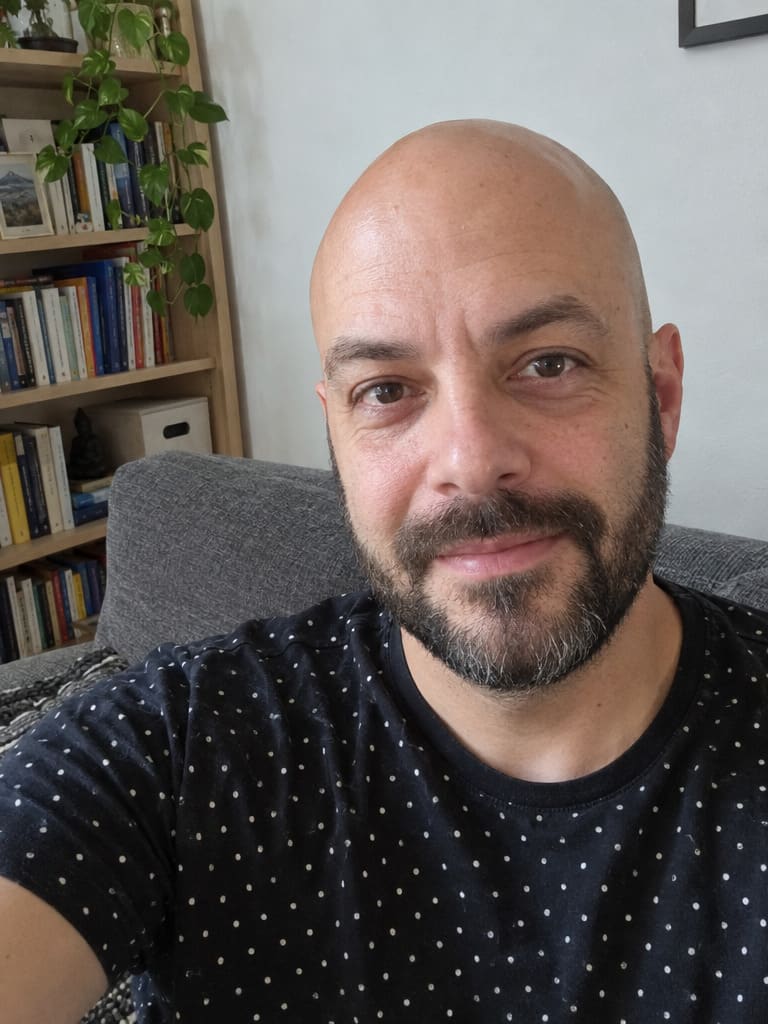
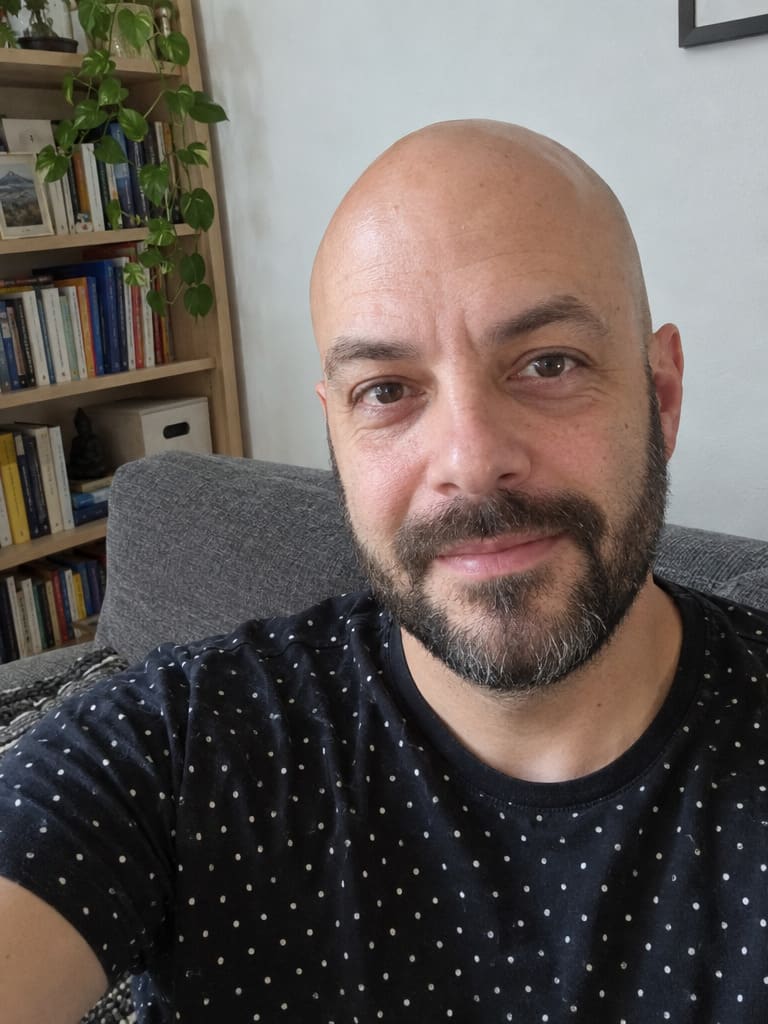
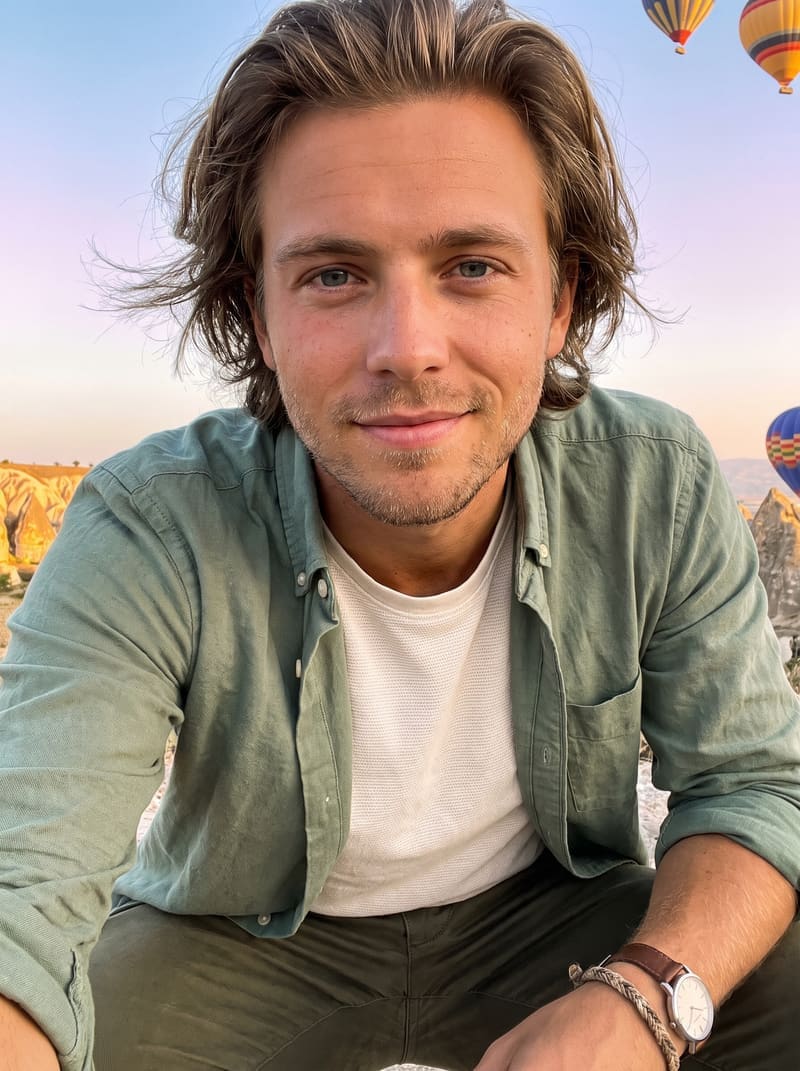
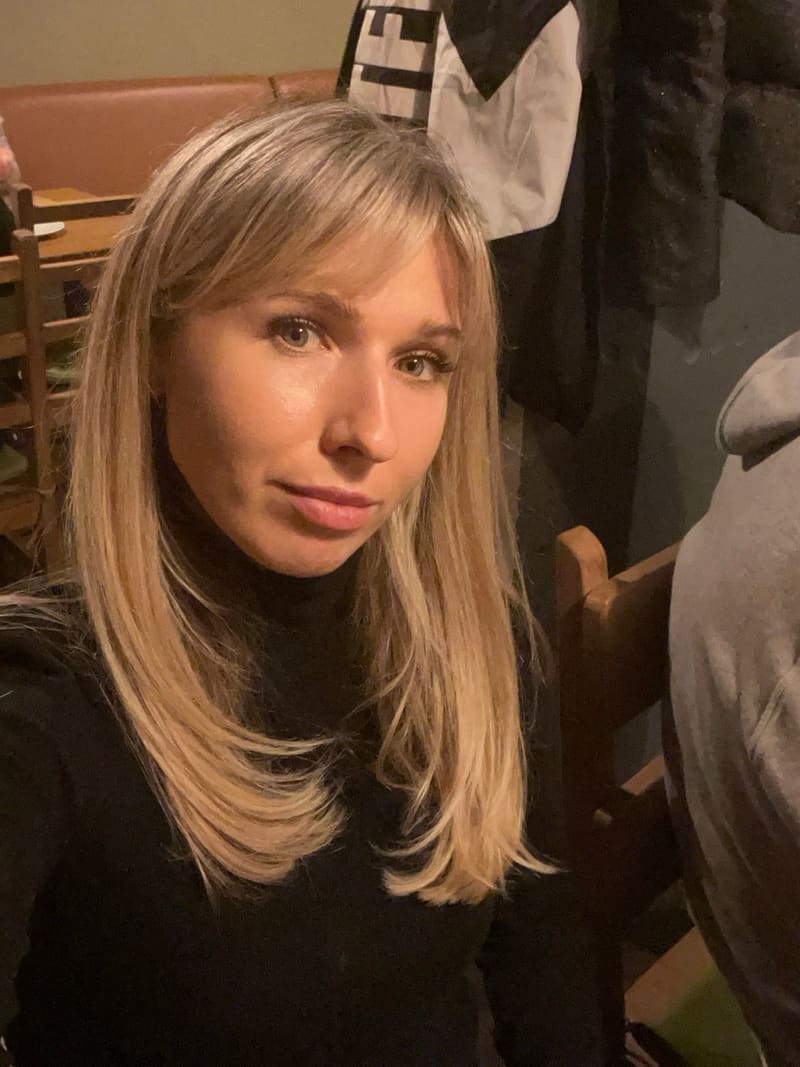
Before
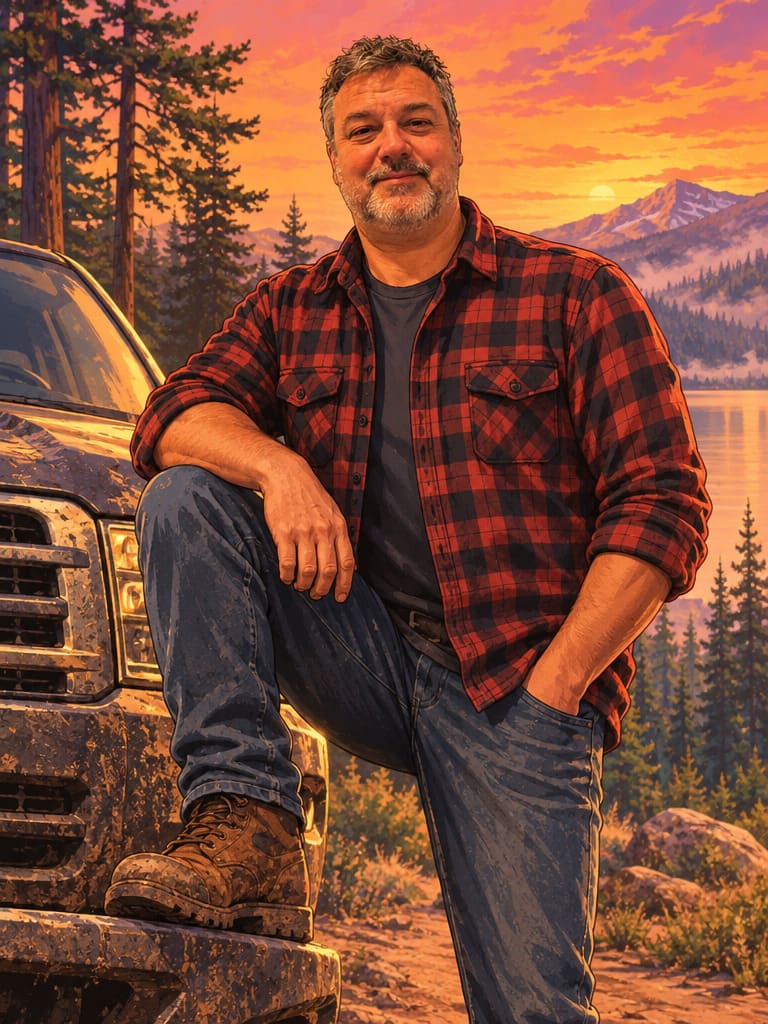
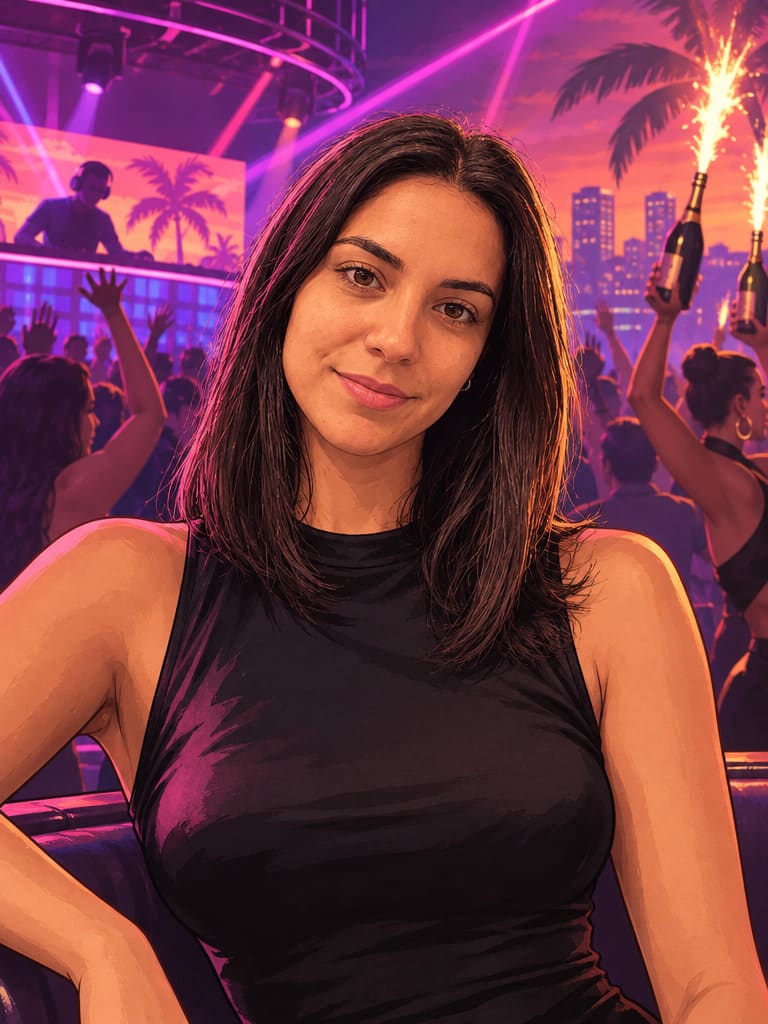
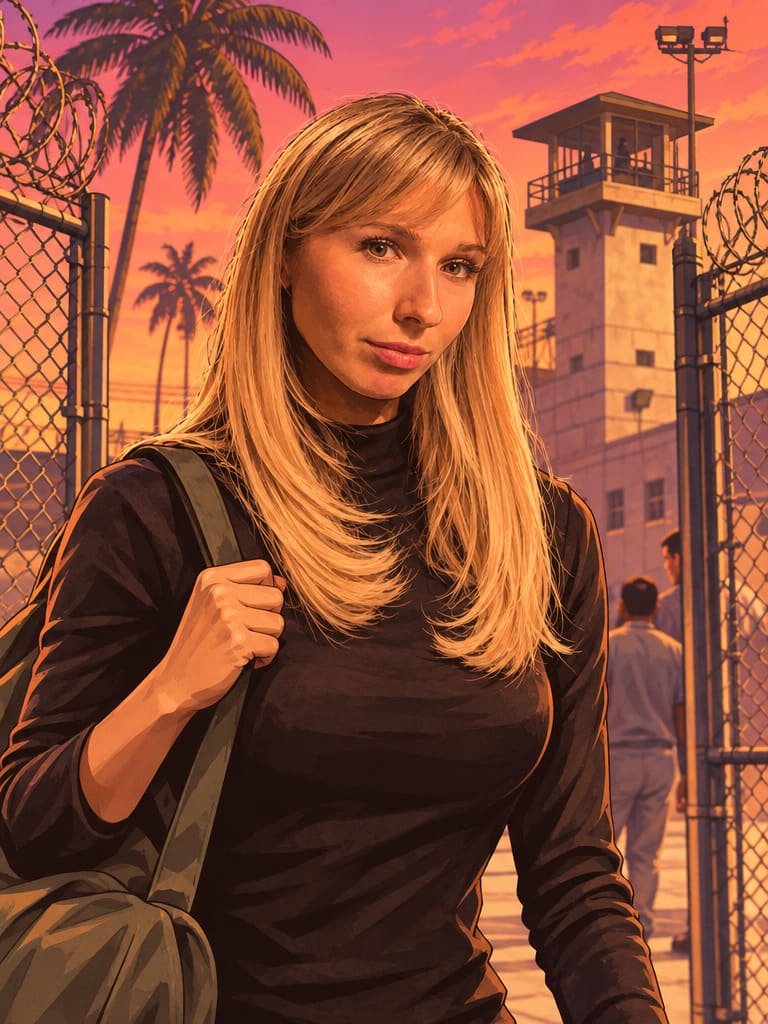
After
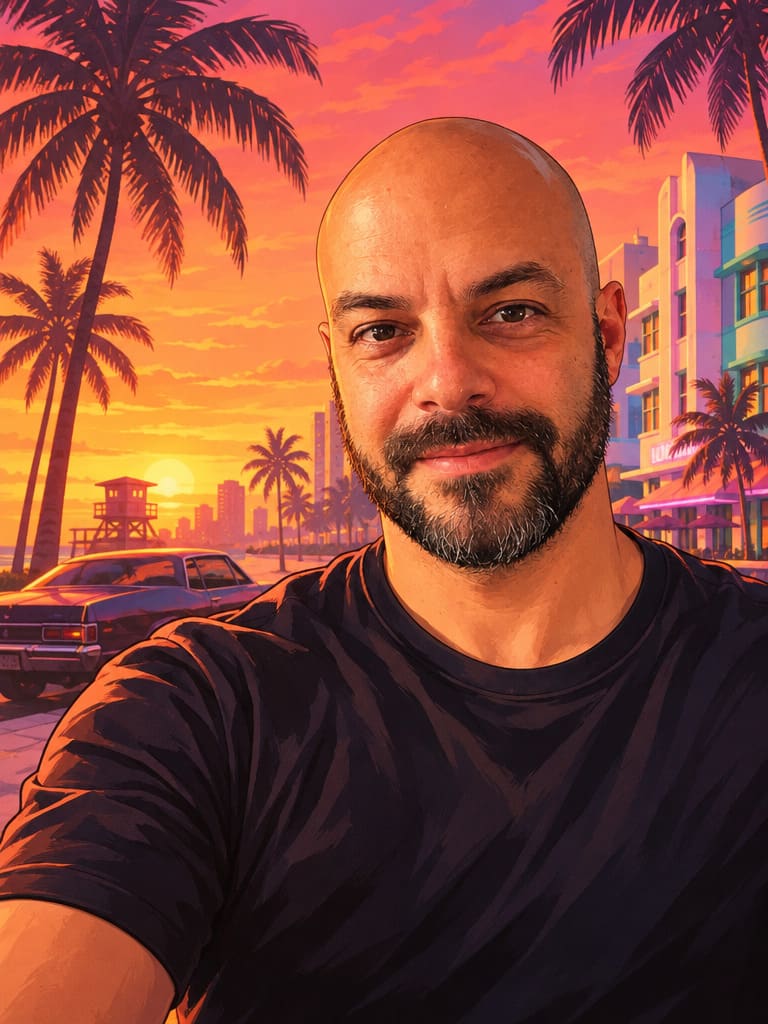
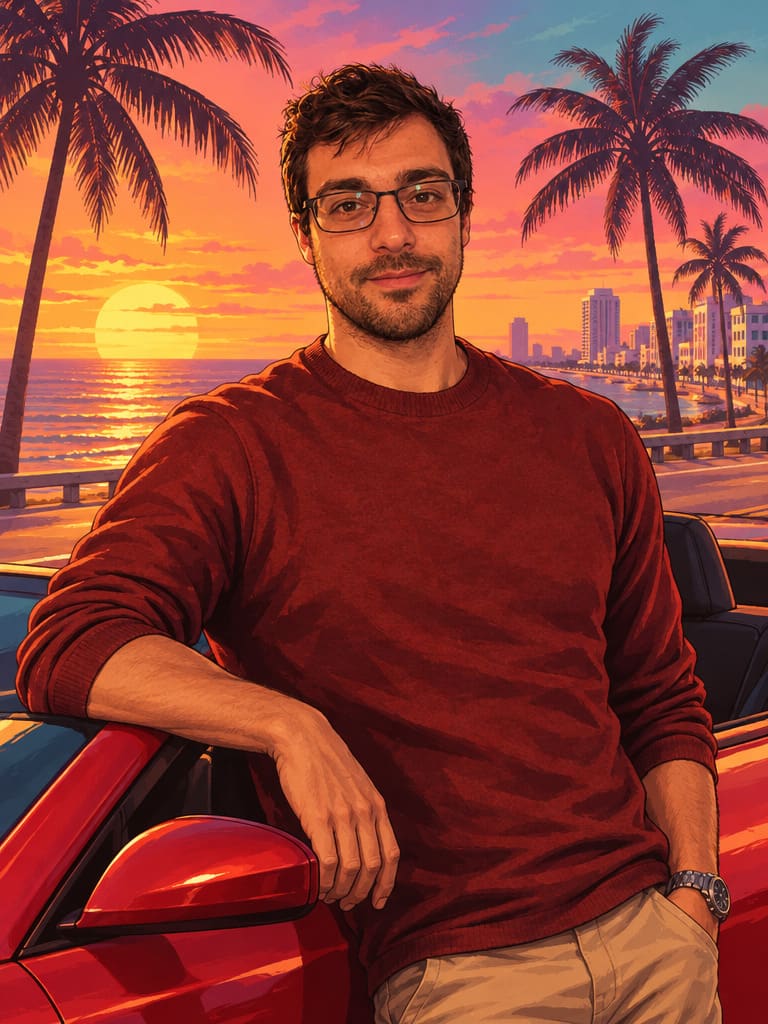
The classic waist-up character art over a Vice City sunset street.
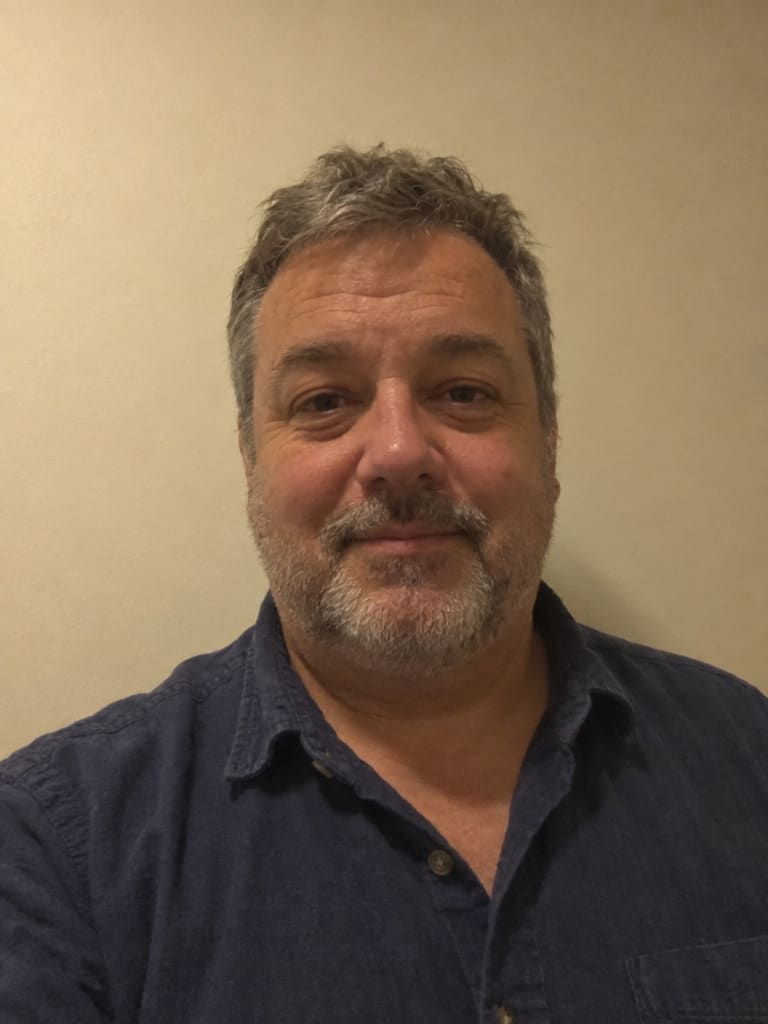
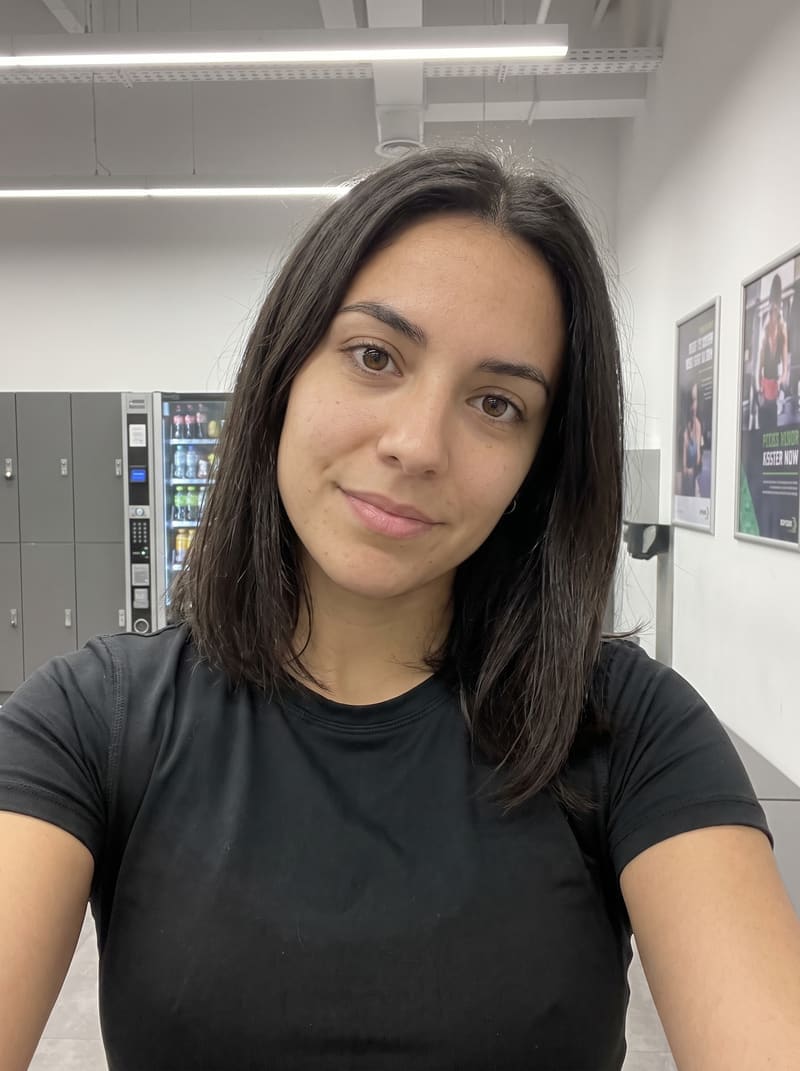
 Before
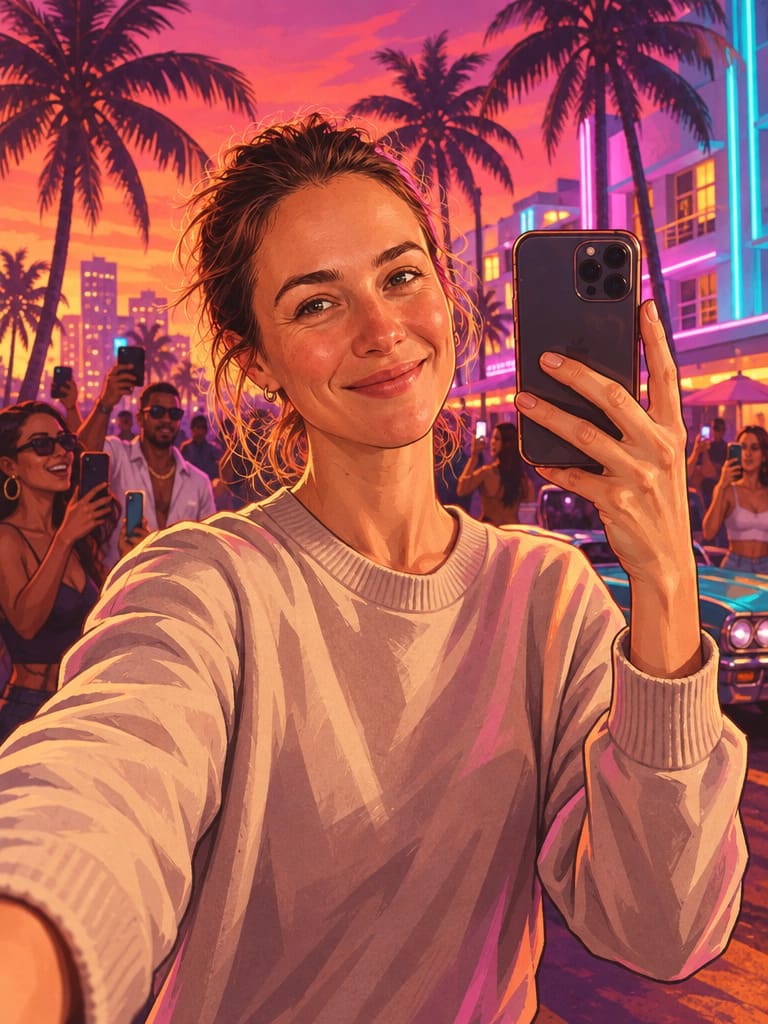
 After
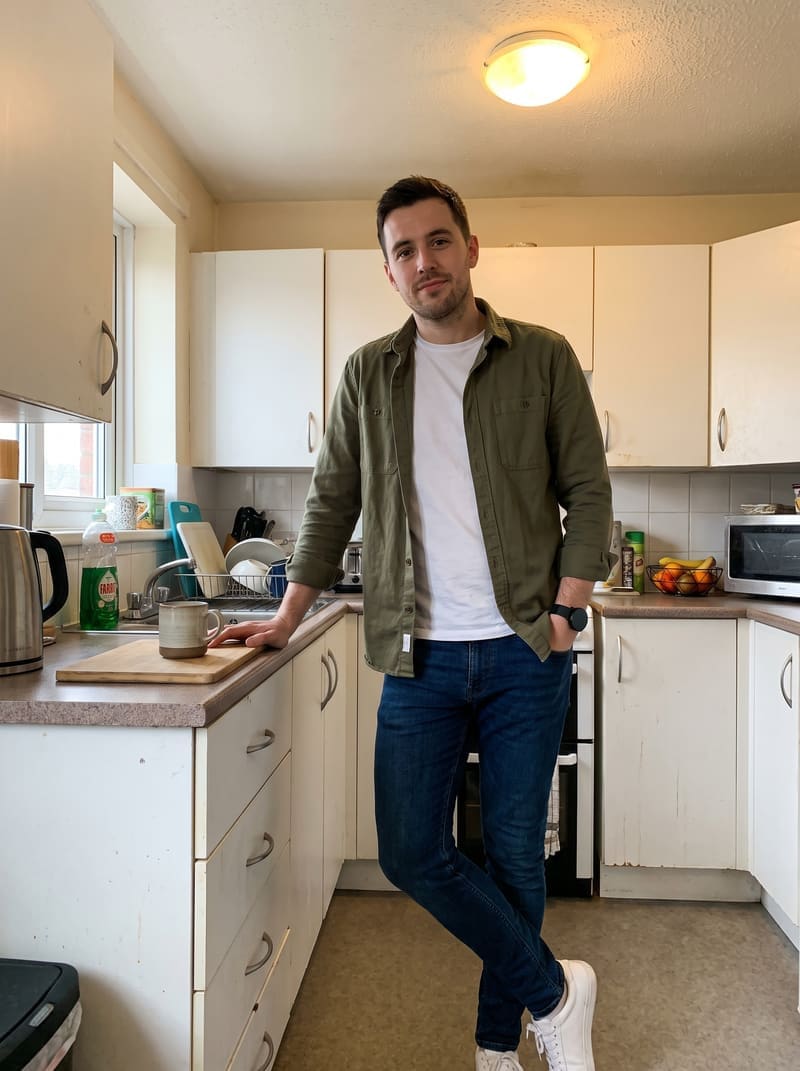
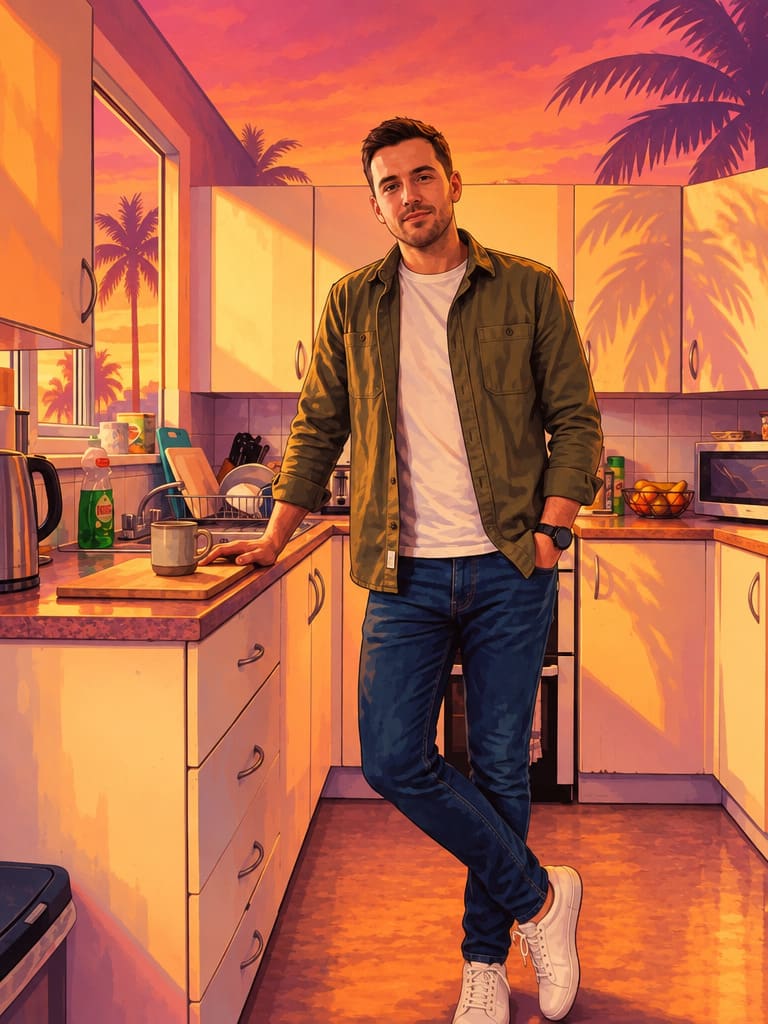
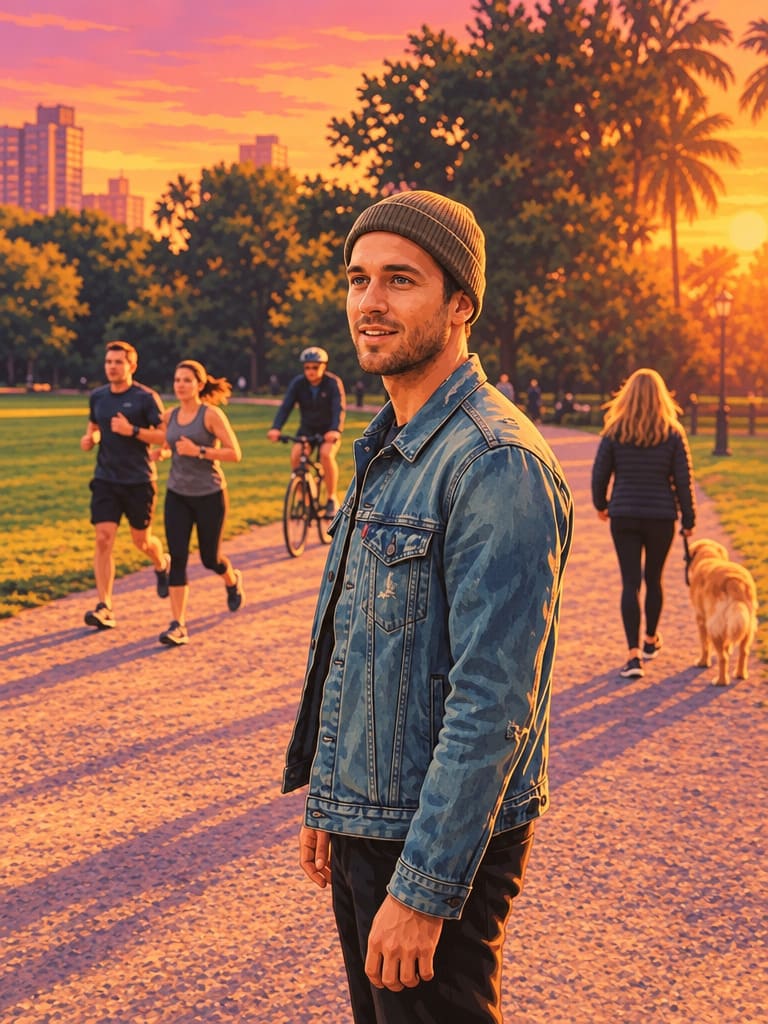
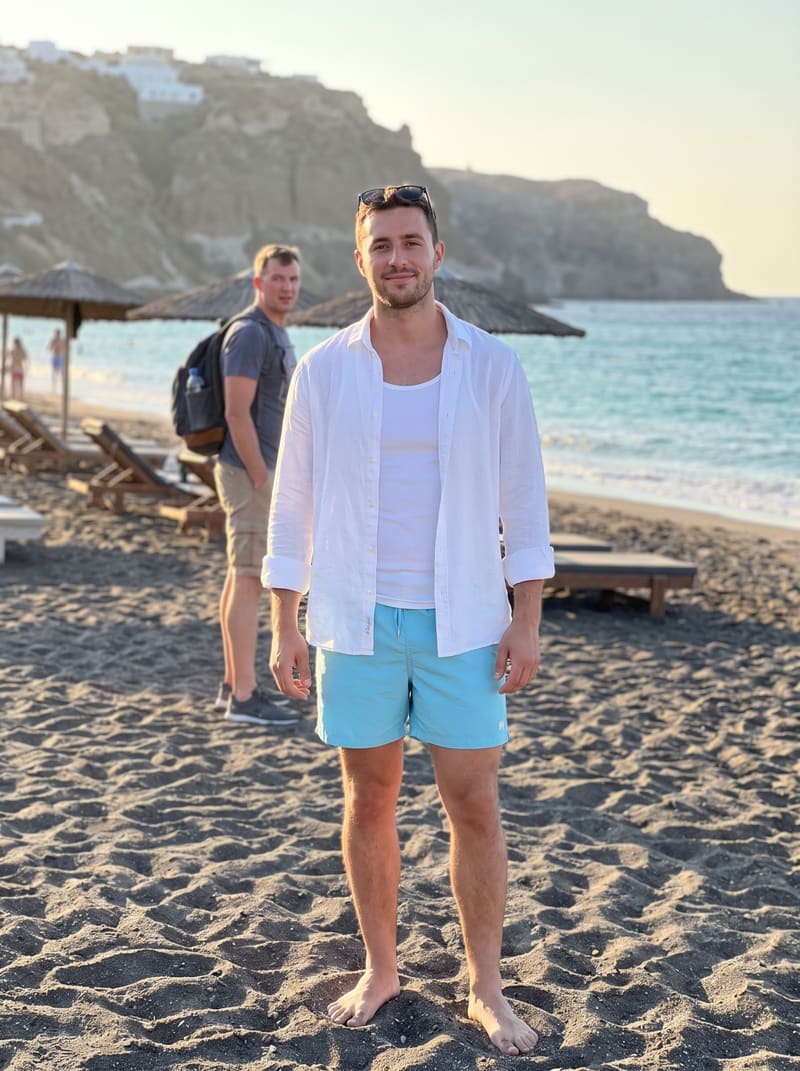
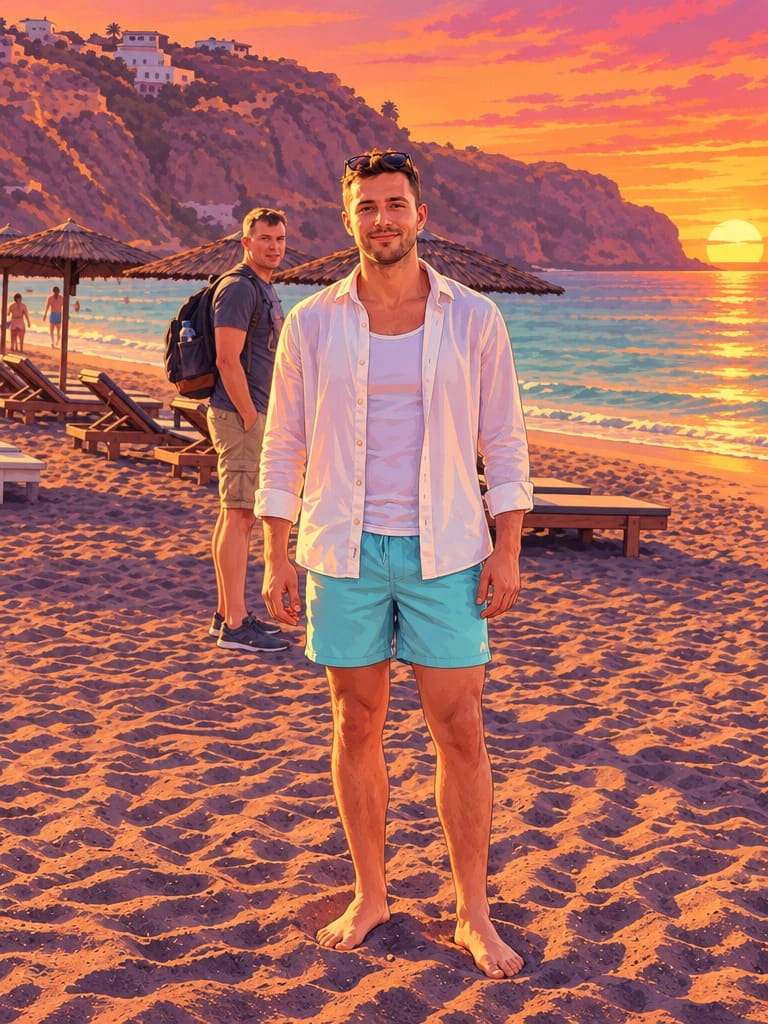
Keep your photo as it is – just in the GTA 6 style.
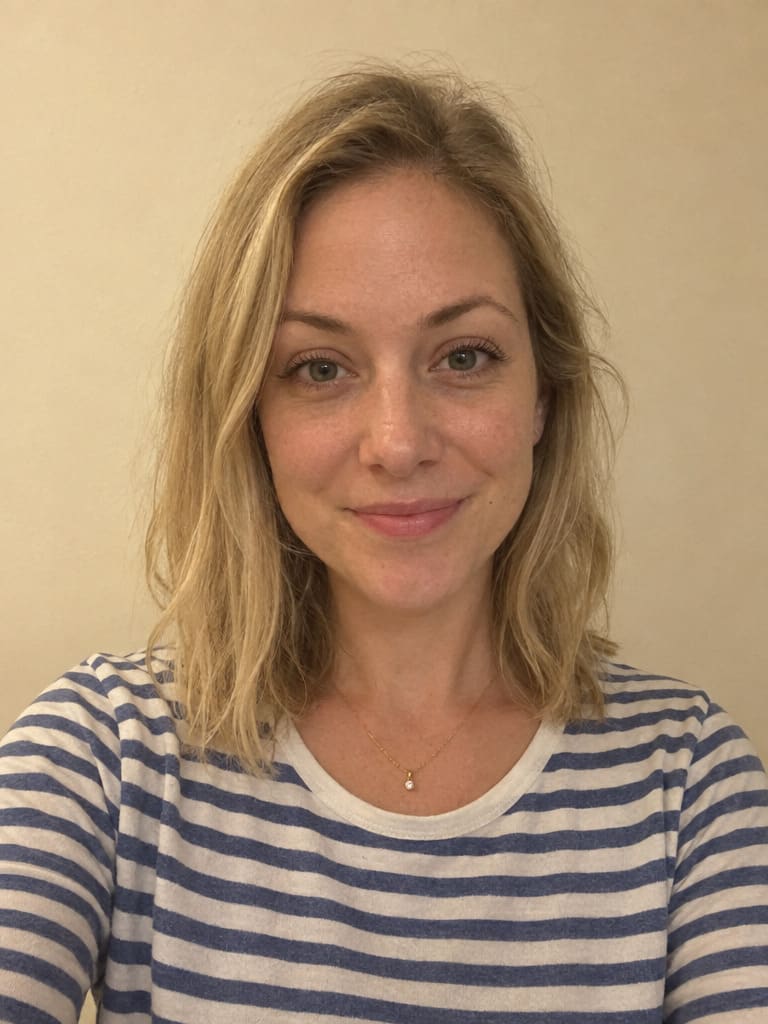 Before
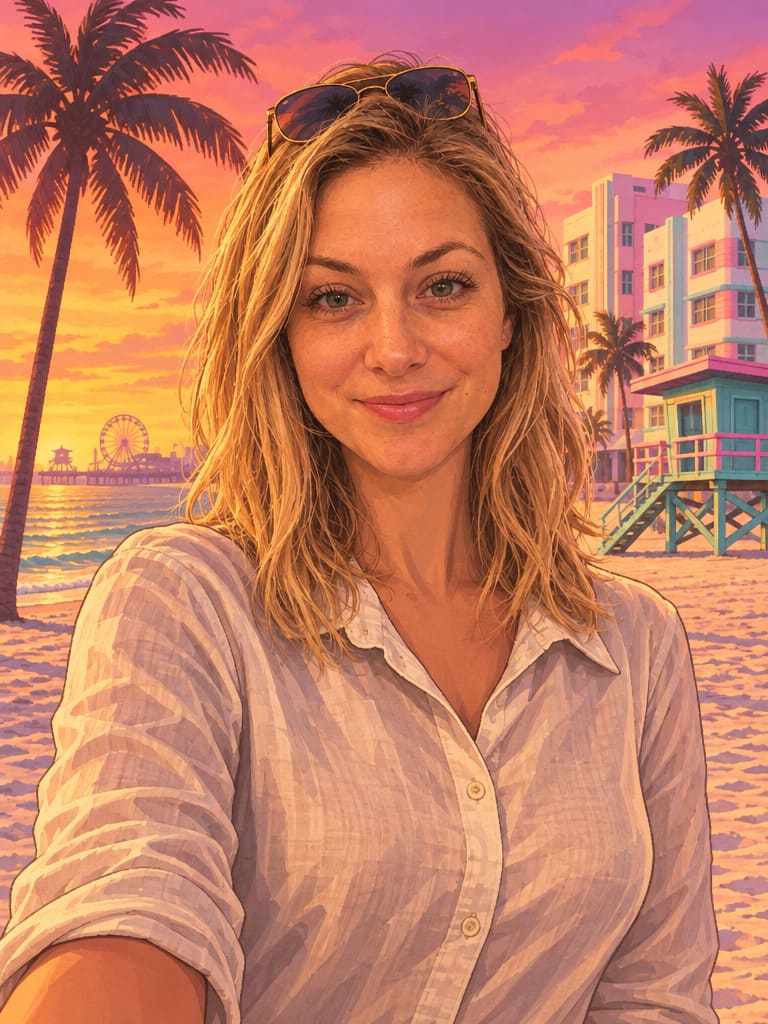 After
White sand, pastel art-deco hotels and a lifeguard tower.
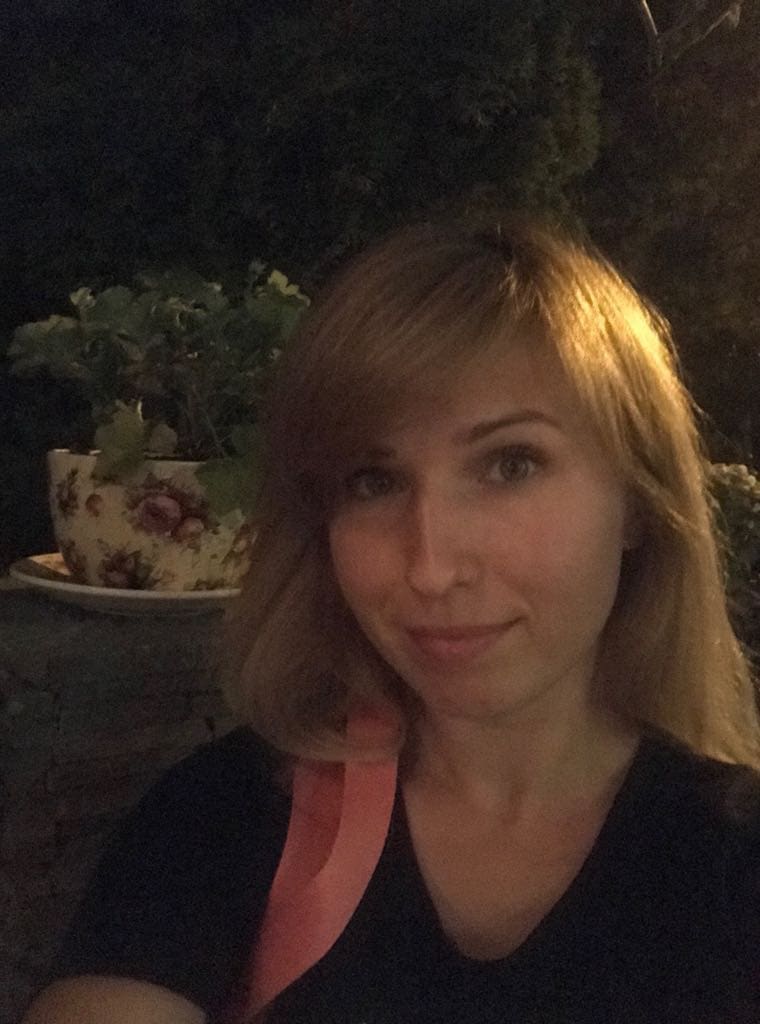 Before
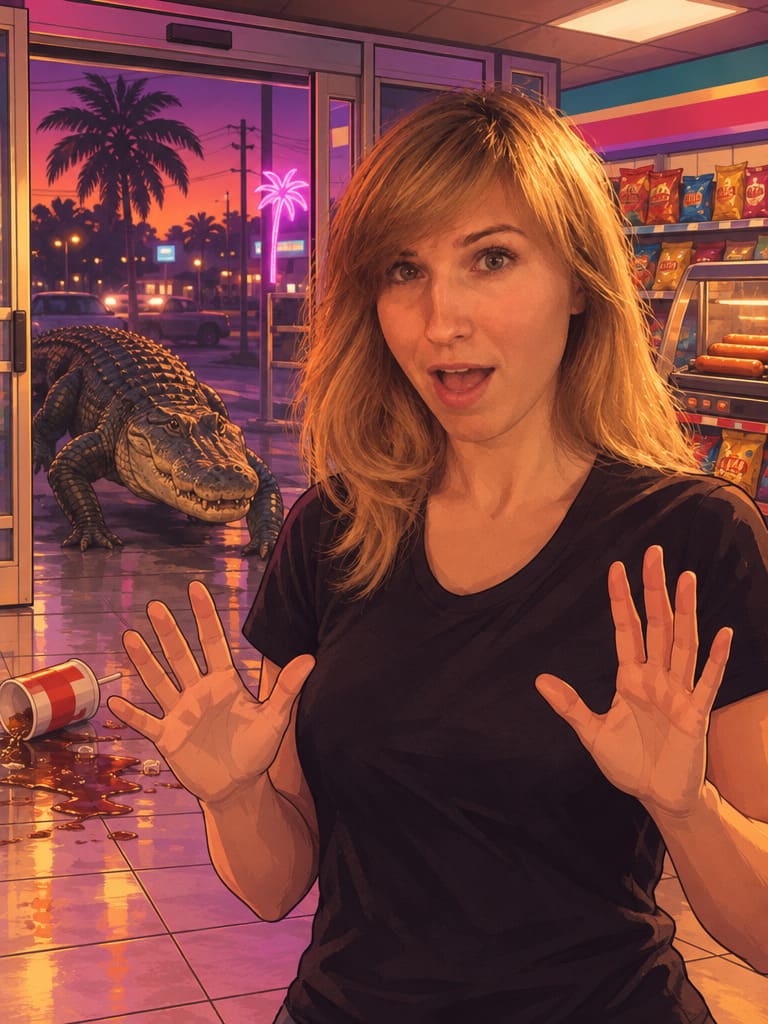 After
An alligator walks into the corner store. Very Leonida.
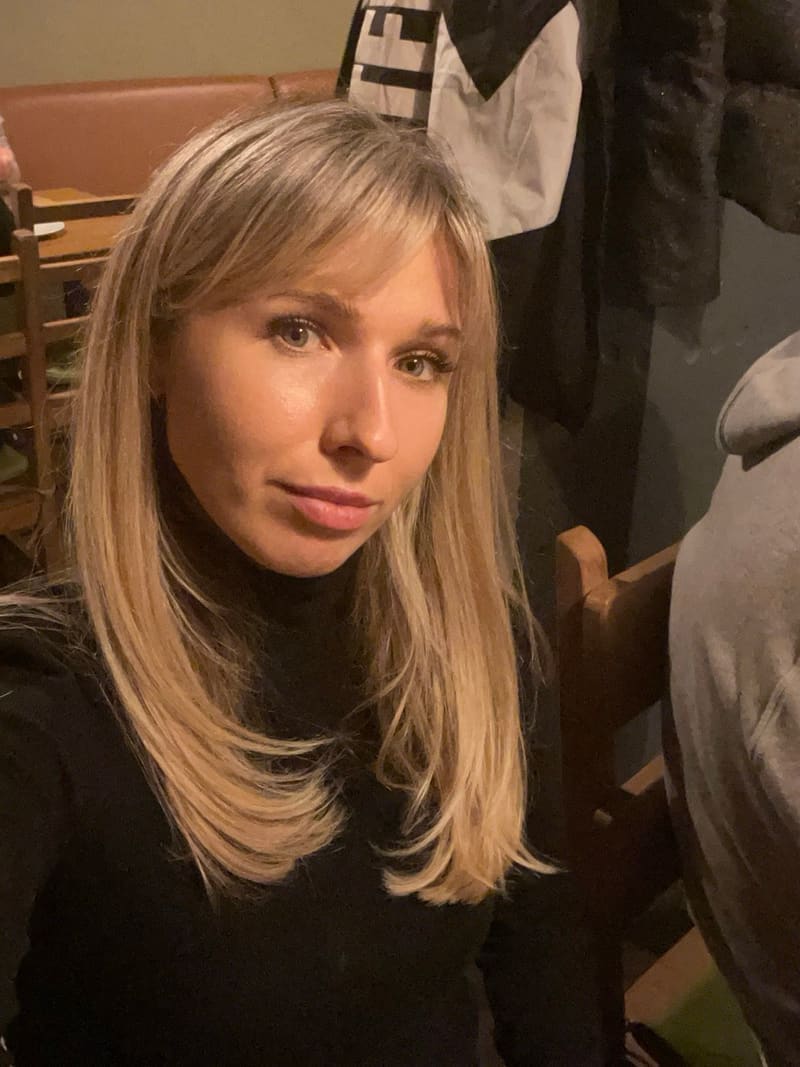 Before
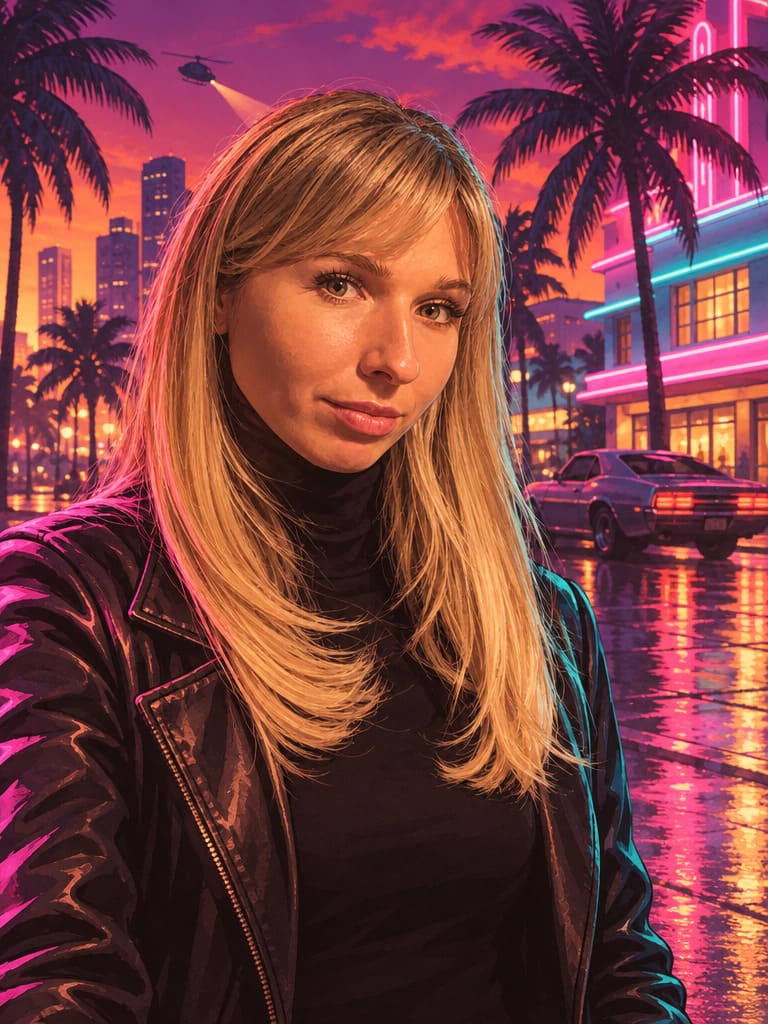 After
Rain-slick Vice City streets under pink and teal neon.
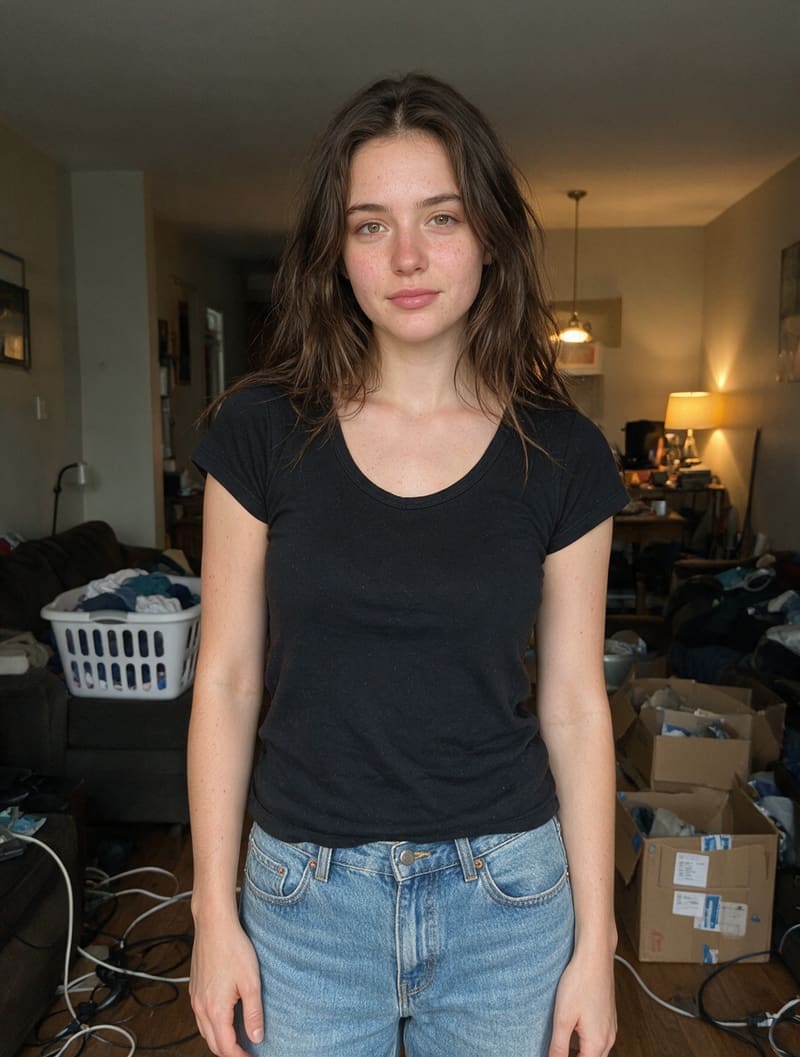 Before
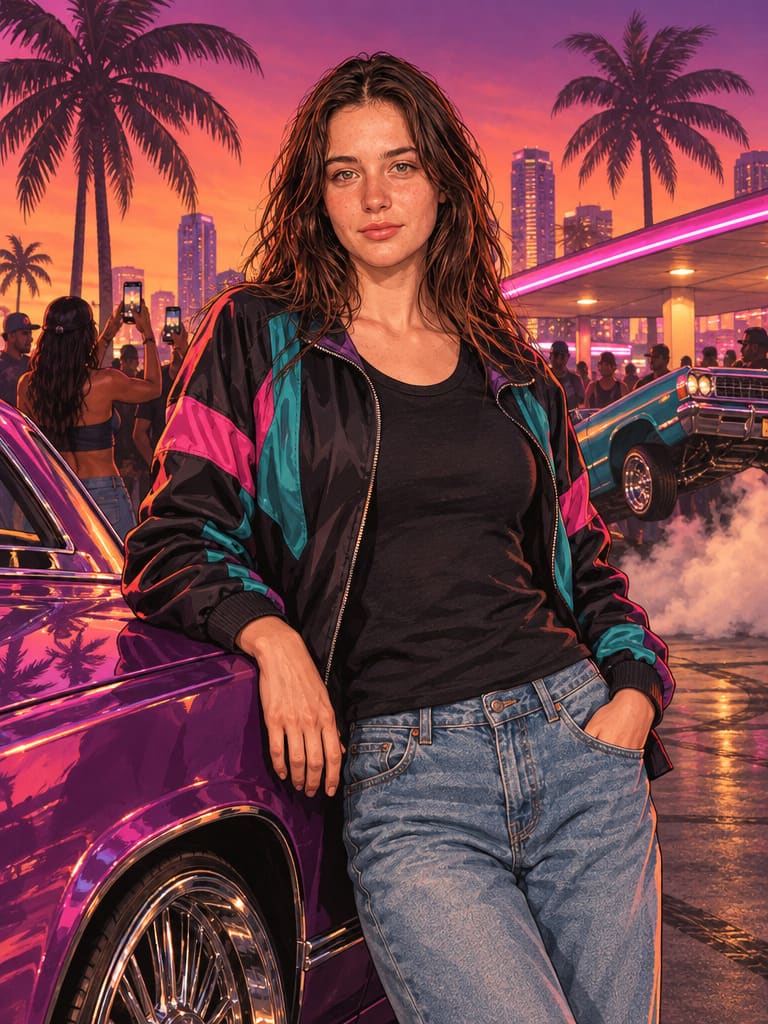 After
Donks and lowriders at a Vice City night meet.
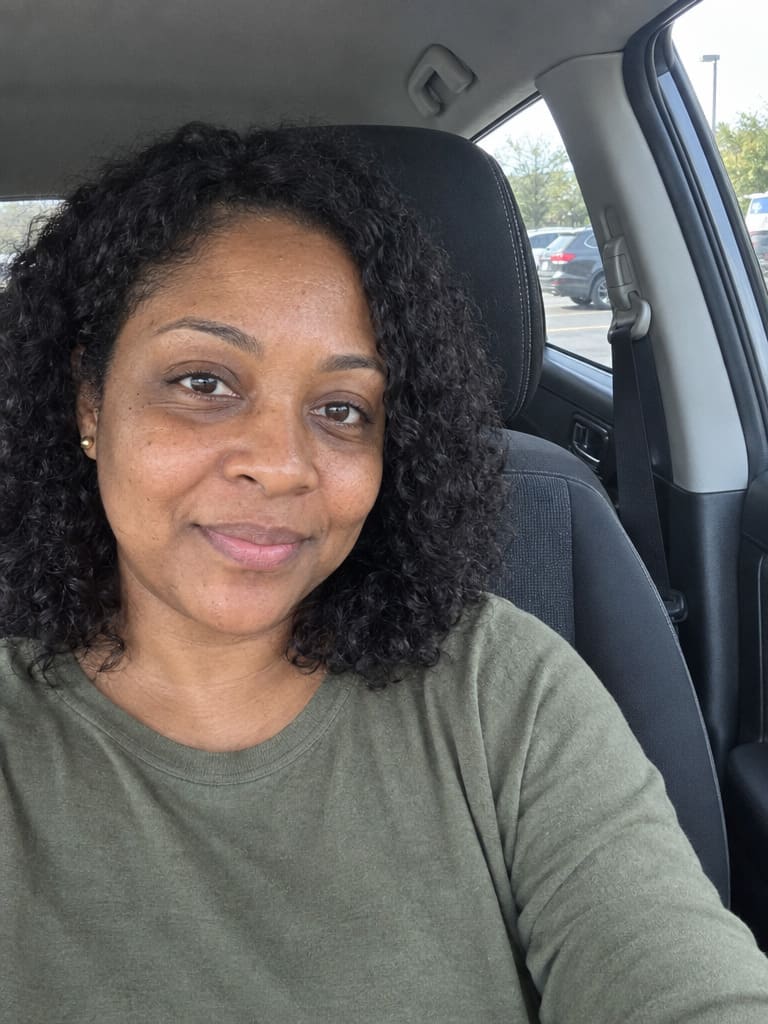 Before
 After
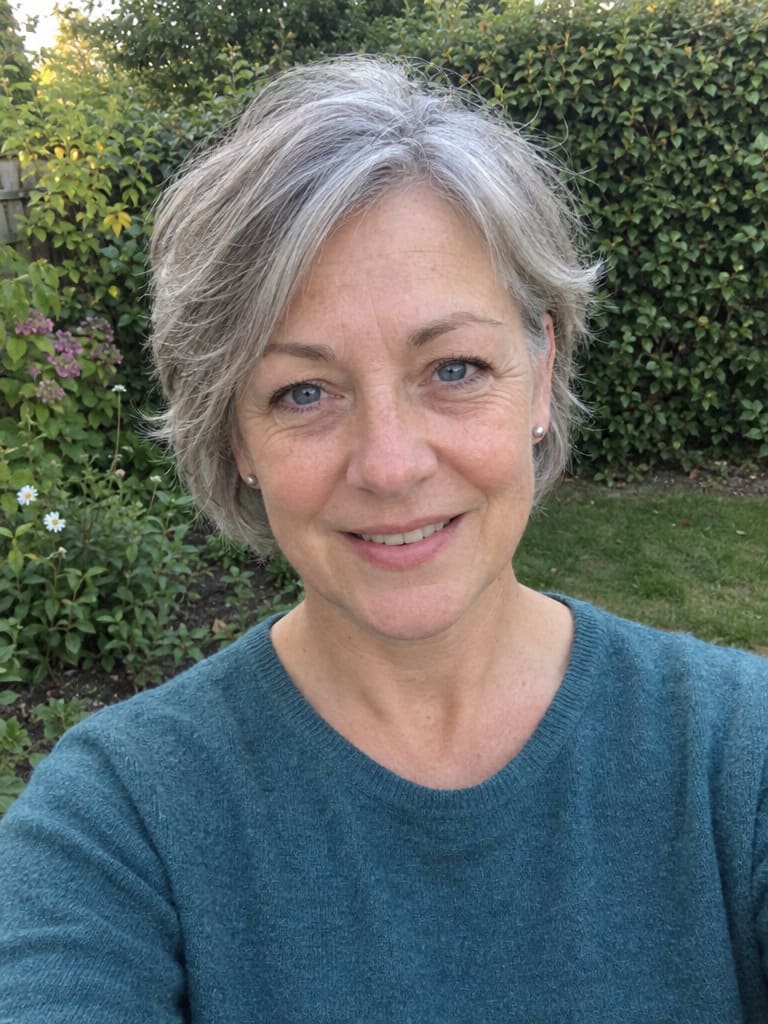
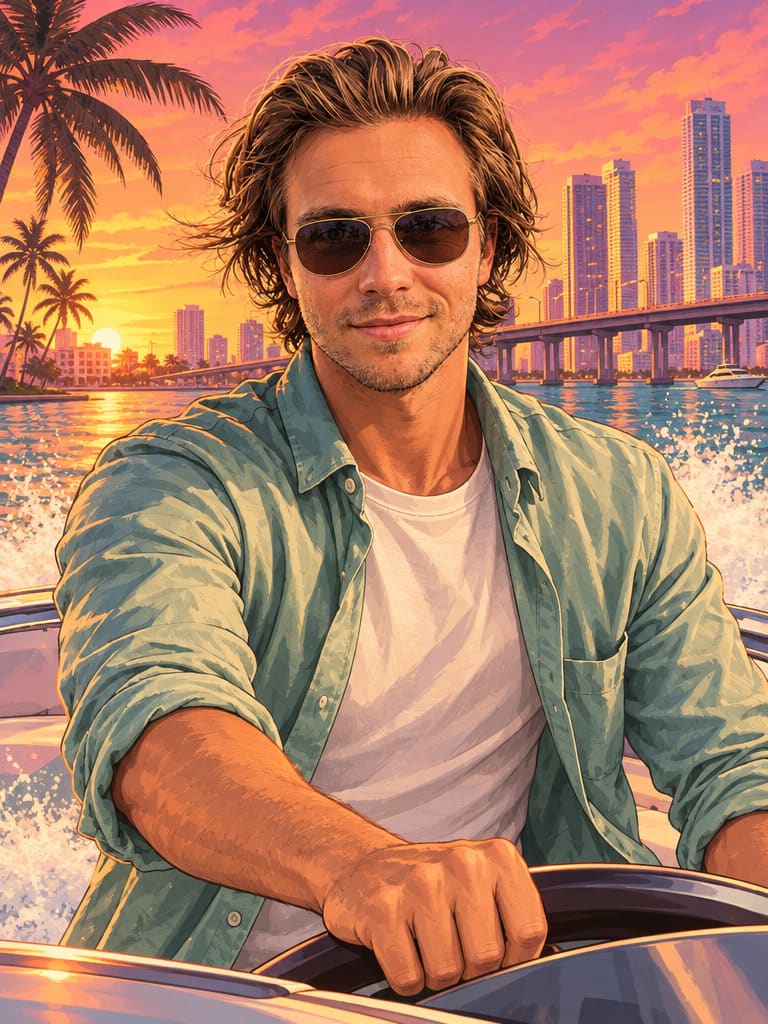
Golden hour on a yacht with cruise ships at VC Port.
 Before
 After
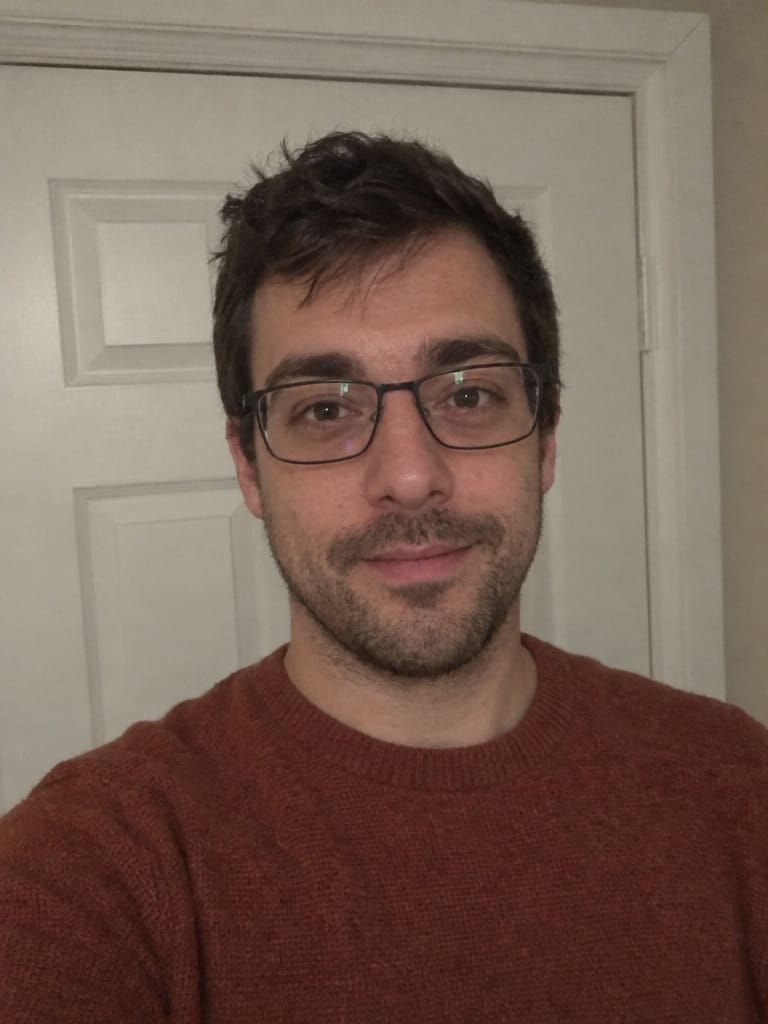
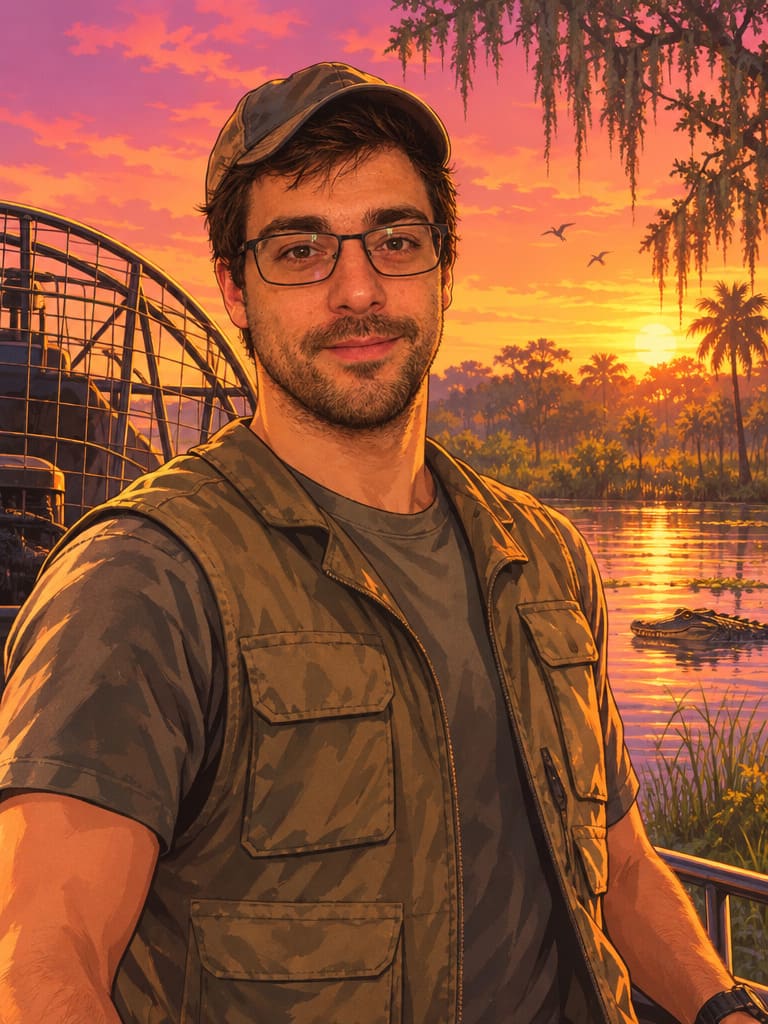
An airboat in the mangroves, gator included.
 Before
 After
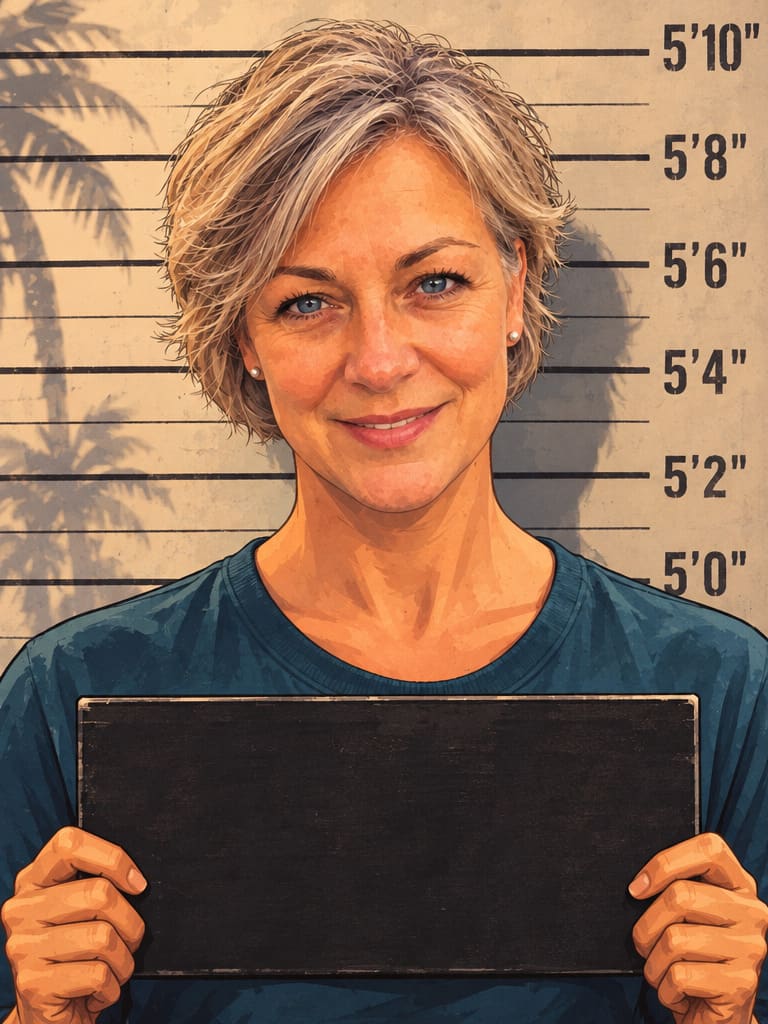
A booking photo against the height chart.
 Before
 After
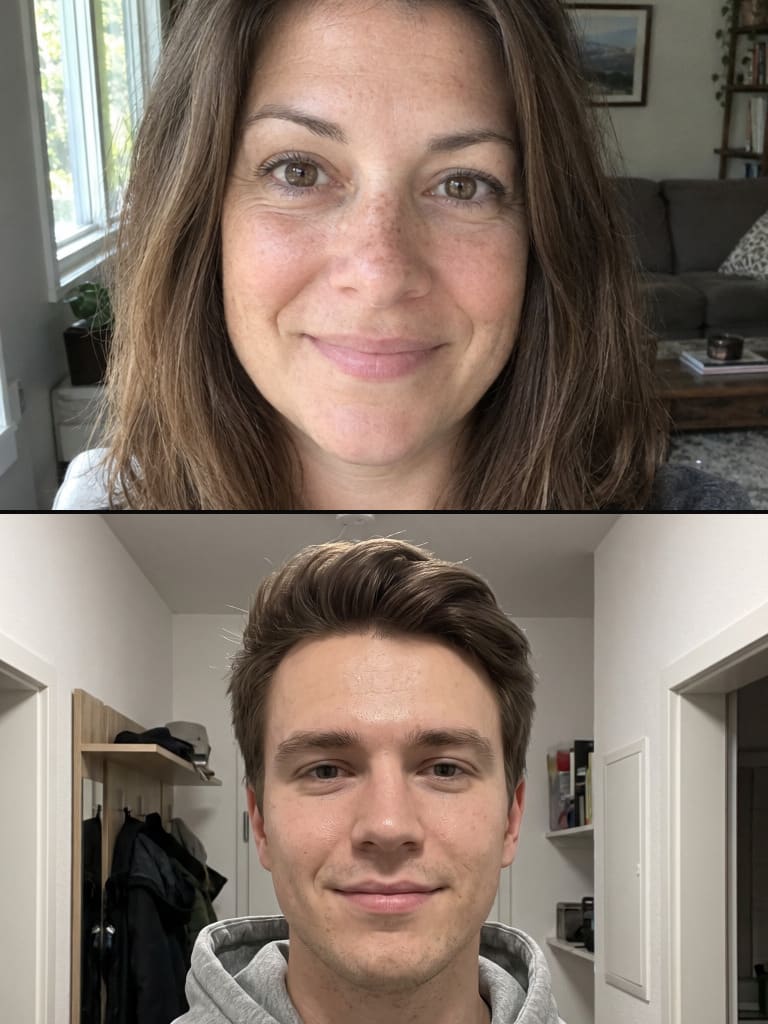
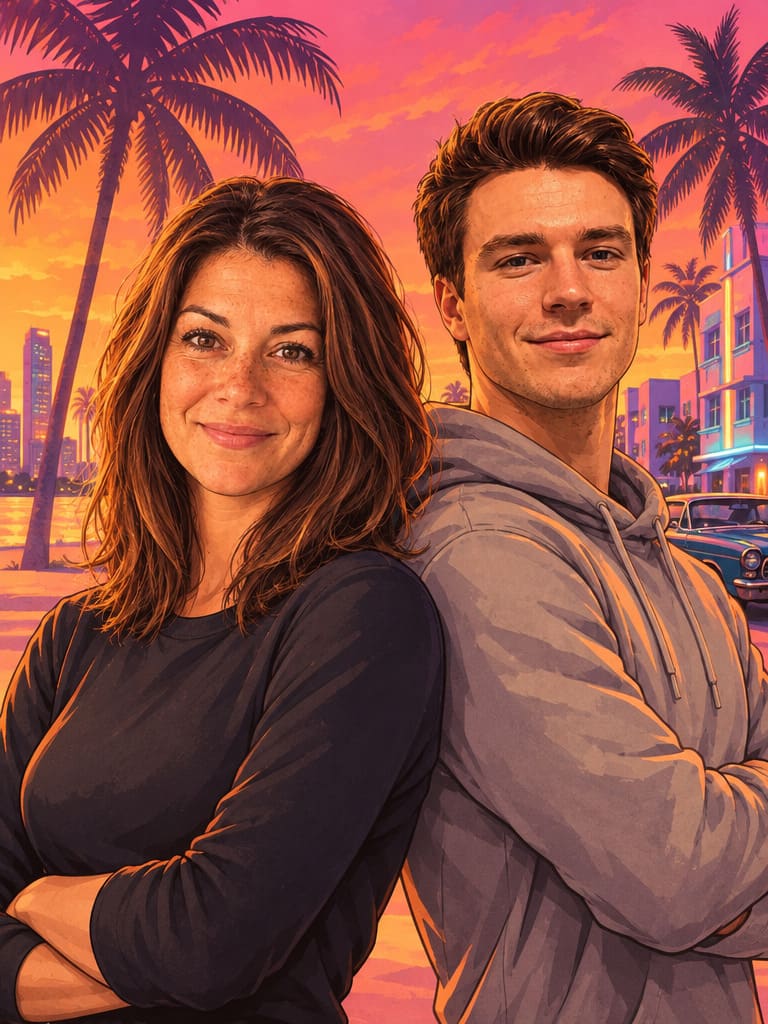
Two people, back to back. Upload two photos.
Your generated images will appear here.
Tap the heart on any image to keep it here.
Deleted images land here for up to 30 days before they're gone for good – guest photos only until their 7-day expiry.
Delete my data – permanently remove all my images and history from every editor and tool
Pick “Your own scene” and the AI keeps your photo exactly as it is – the place, the people, the dog, the car – and redraws all of it as Leonida loading-screen art.
BeforeAfter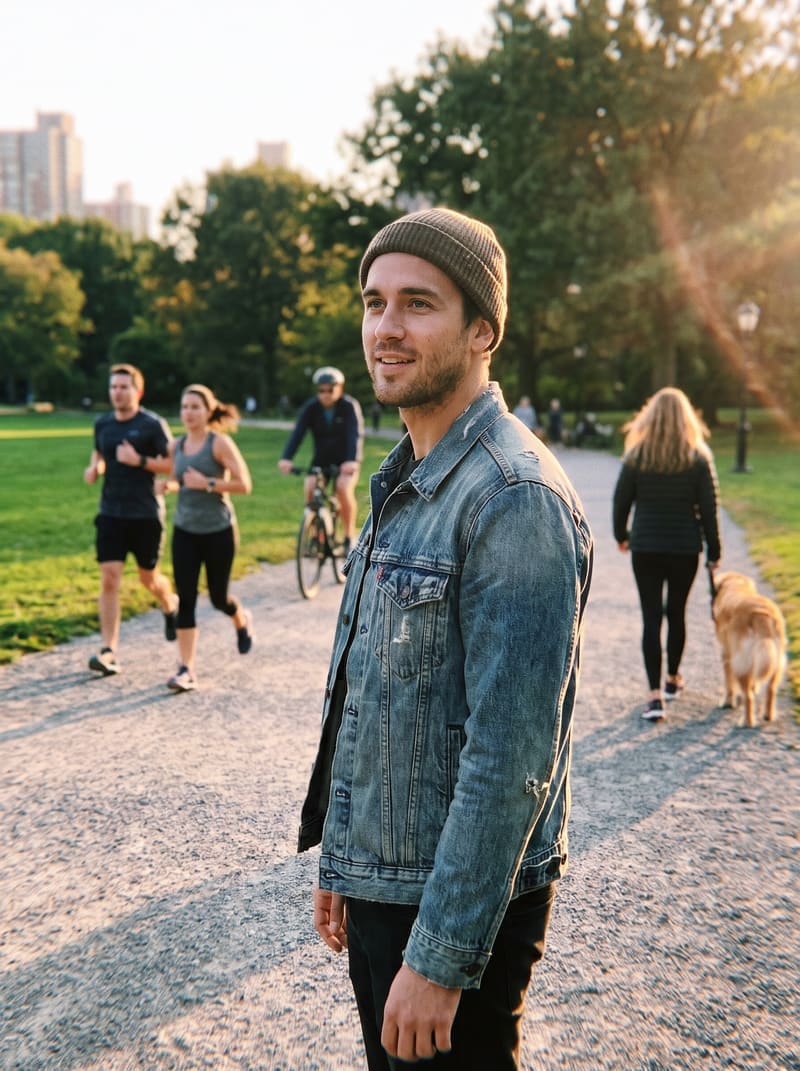 Before
 After
 Before
 After
From Ocean Beach to the Grassrivers swamp – every scene is a ready-made prompt tuned to keep your face recognizable. Pick one, upload a selfie, done.
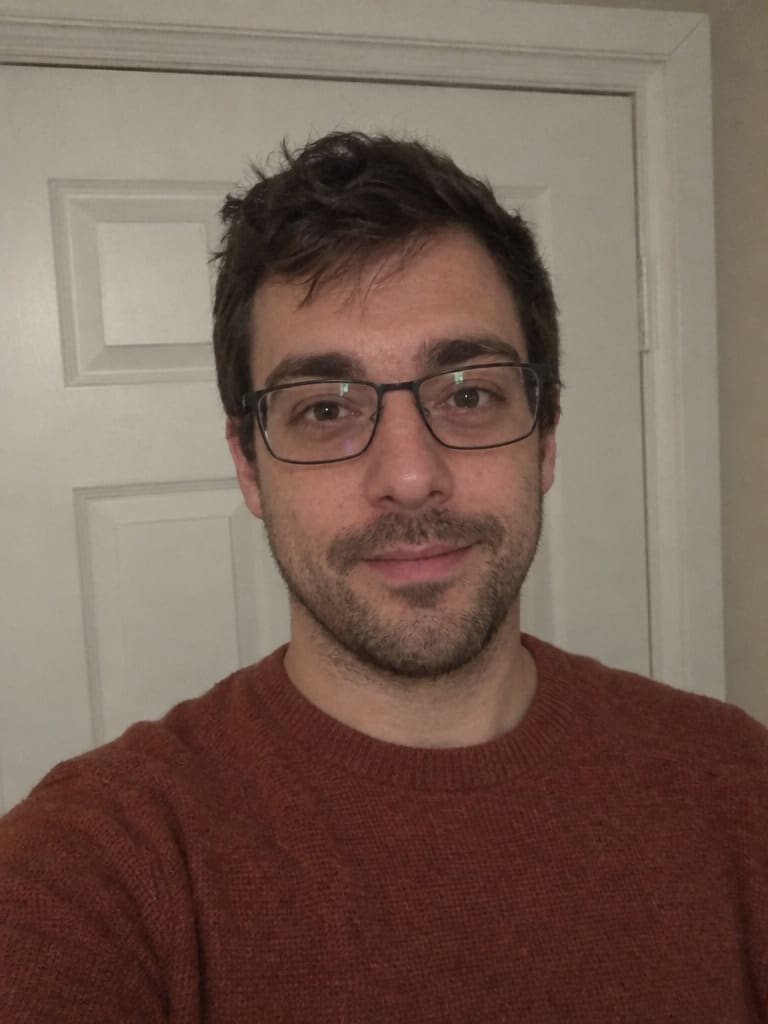
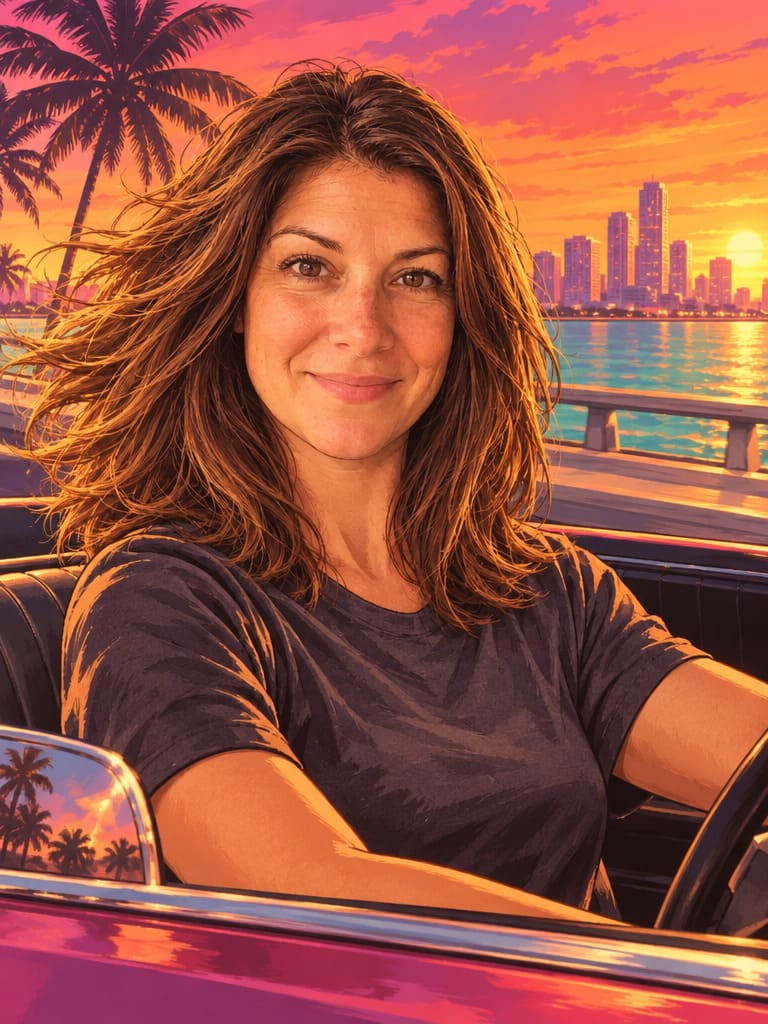
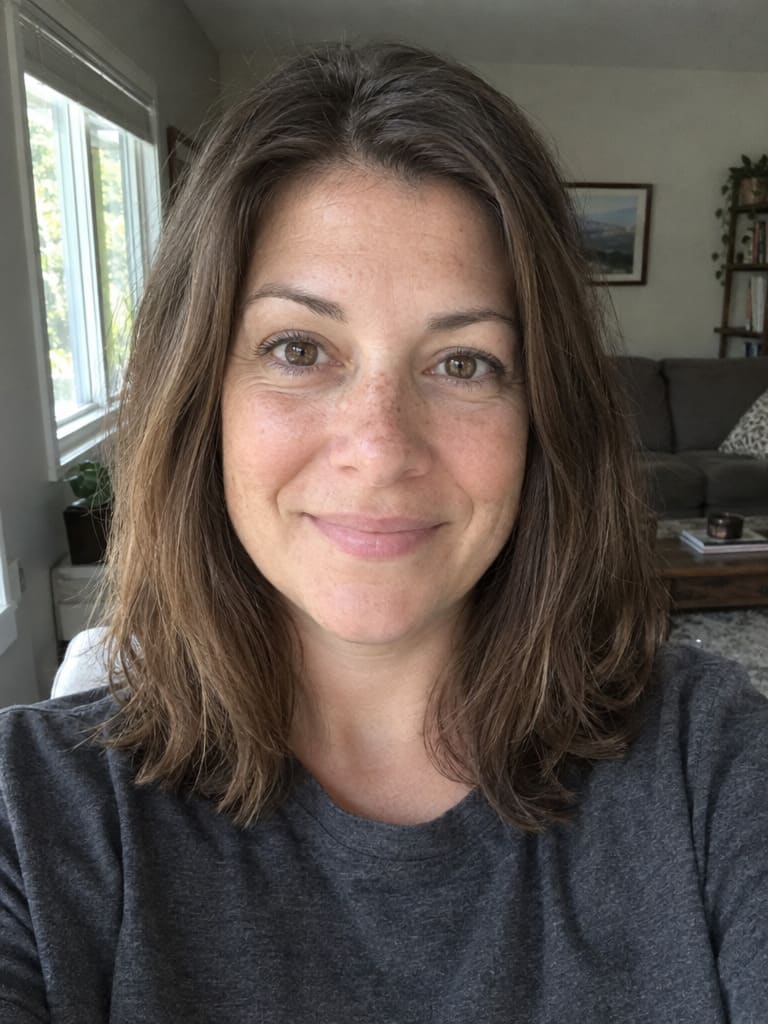
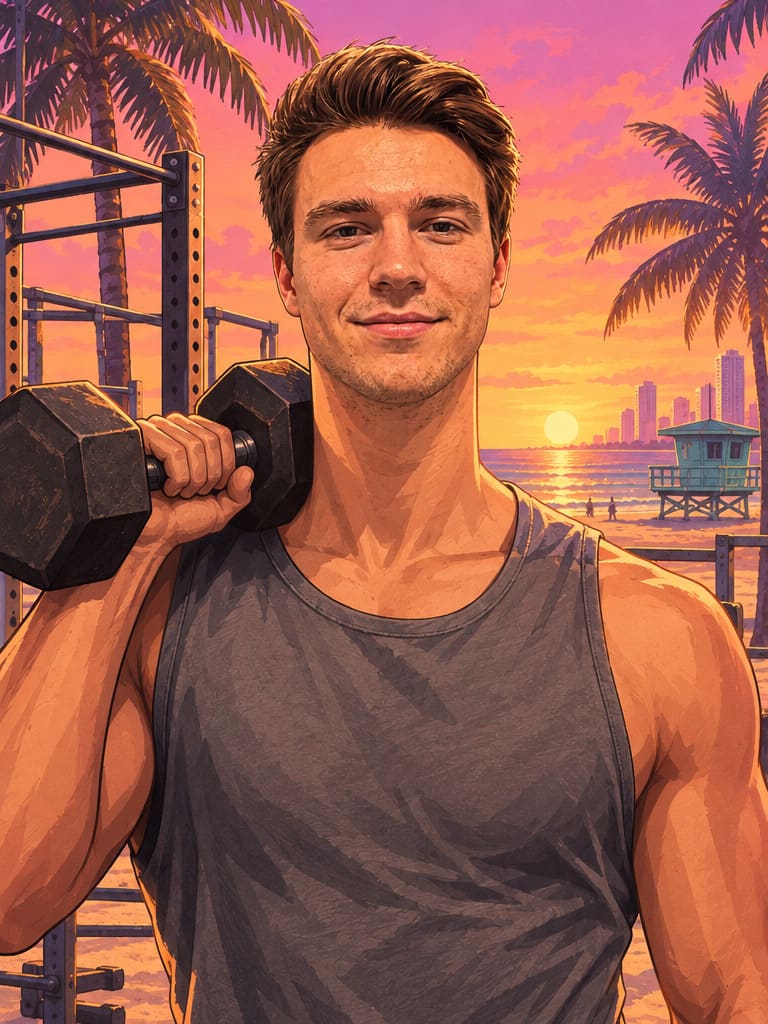
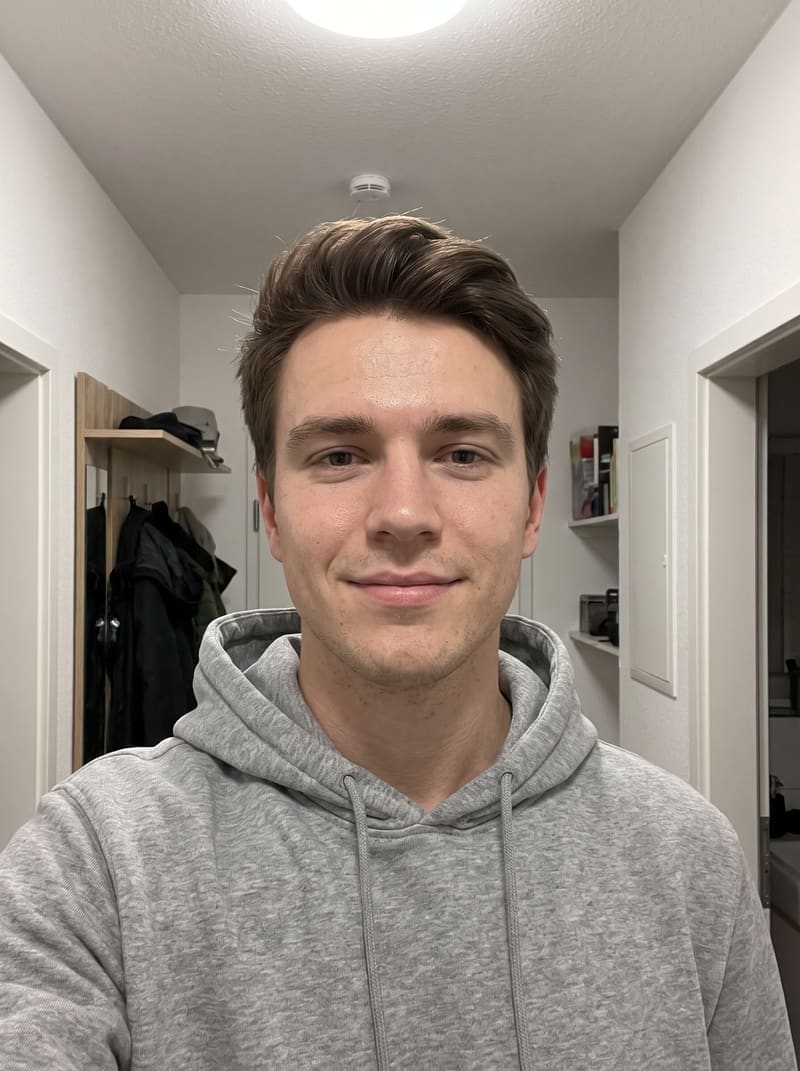
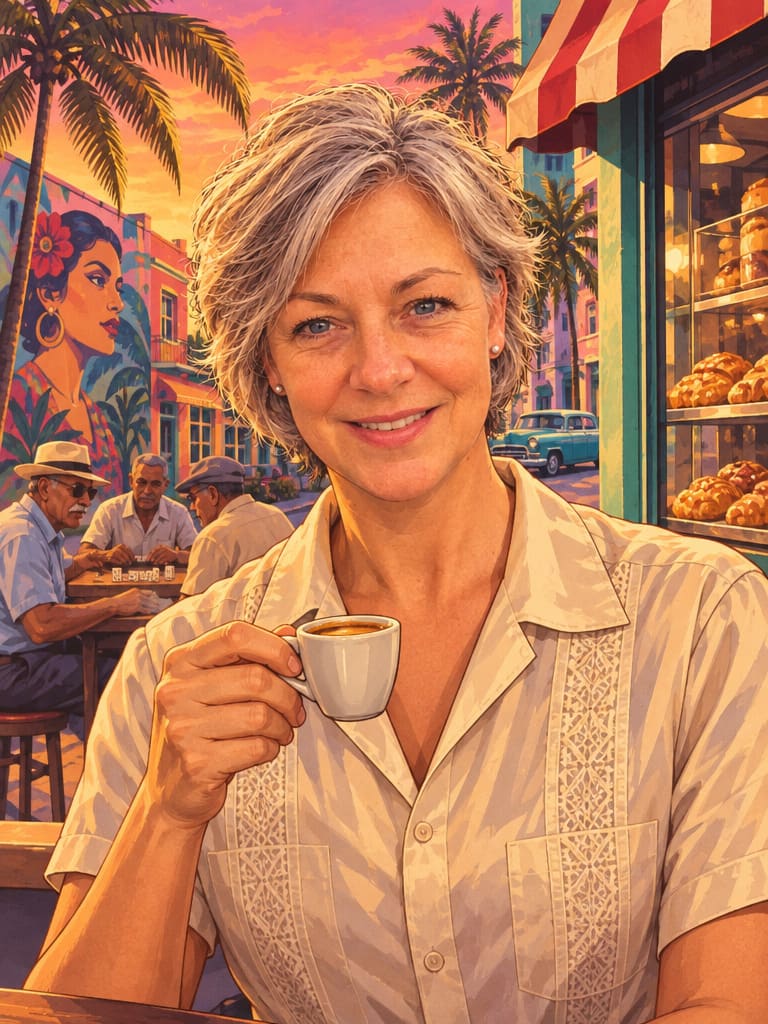
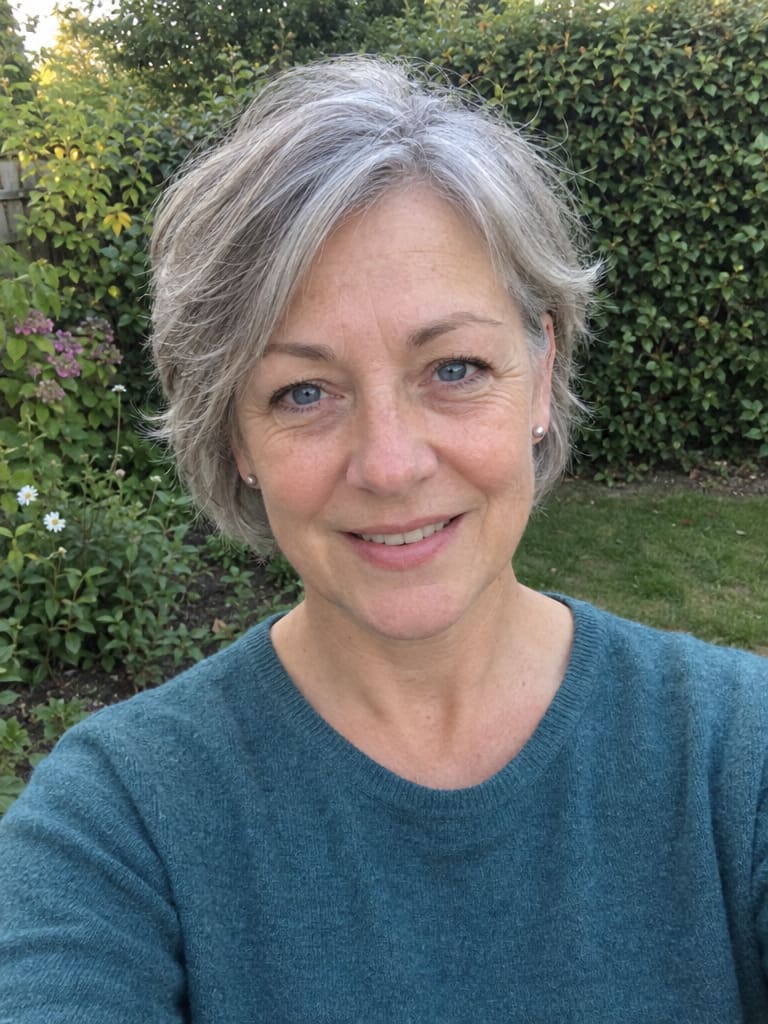
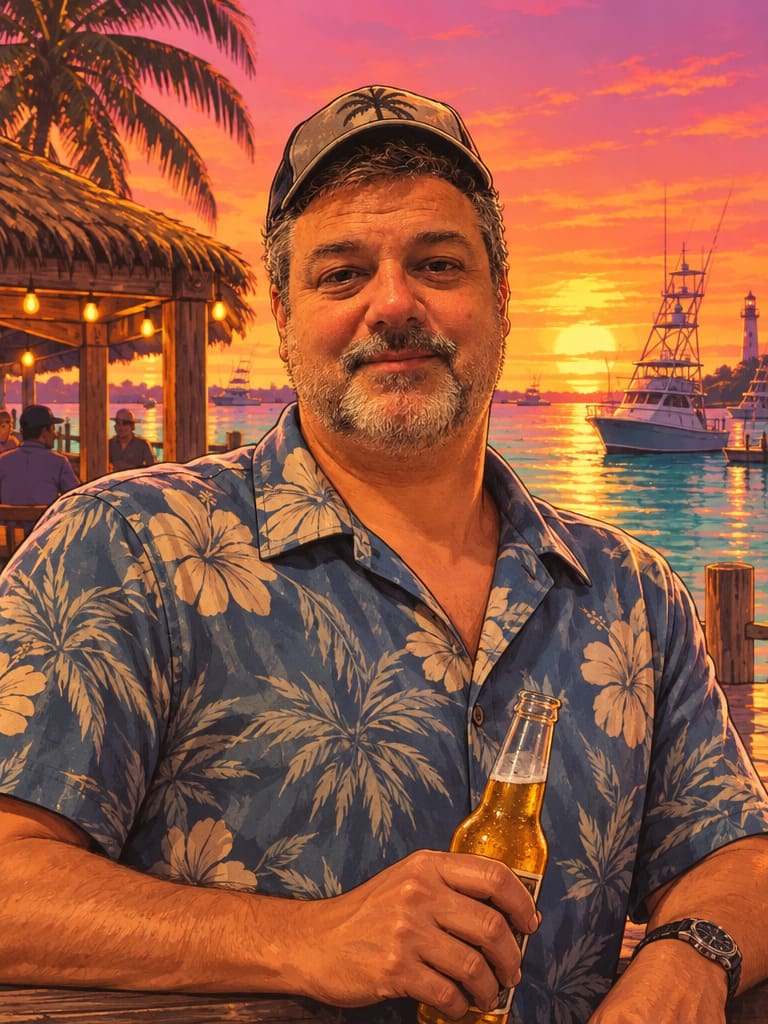
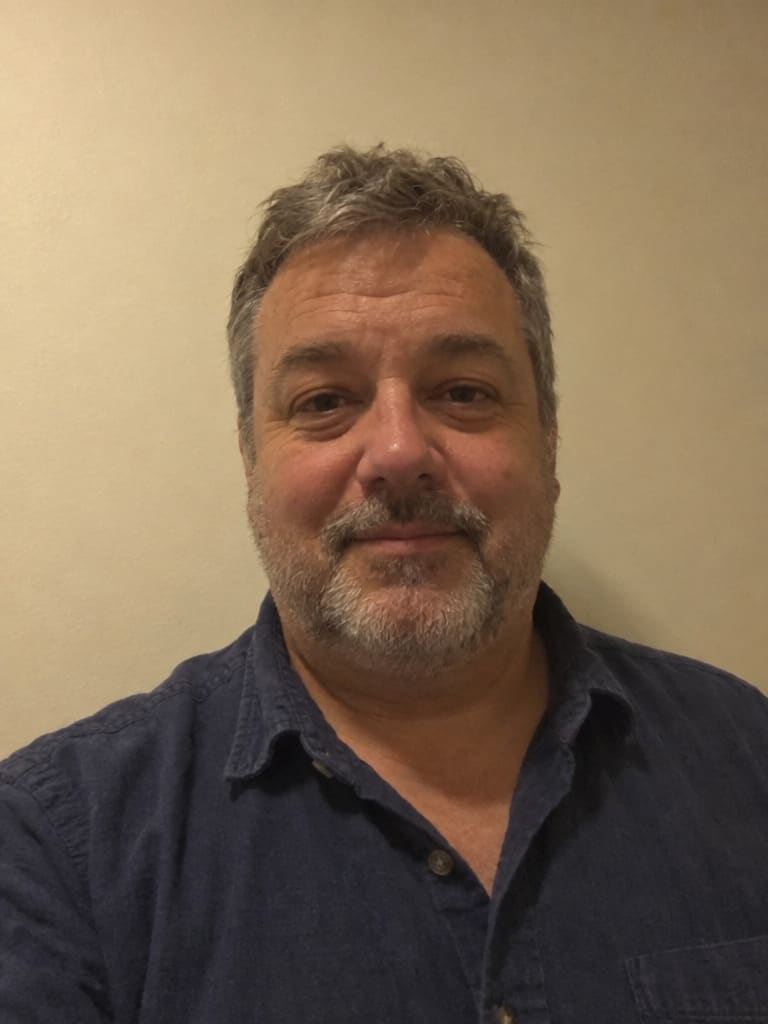
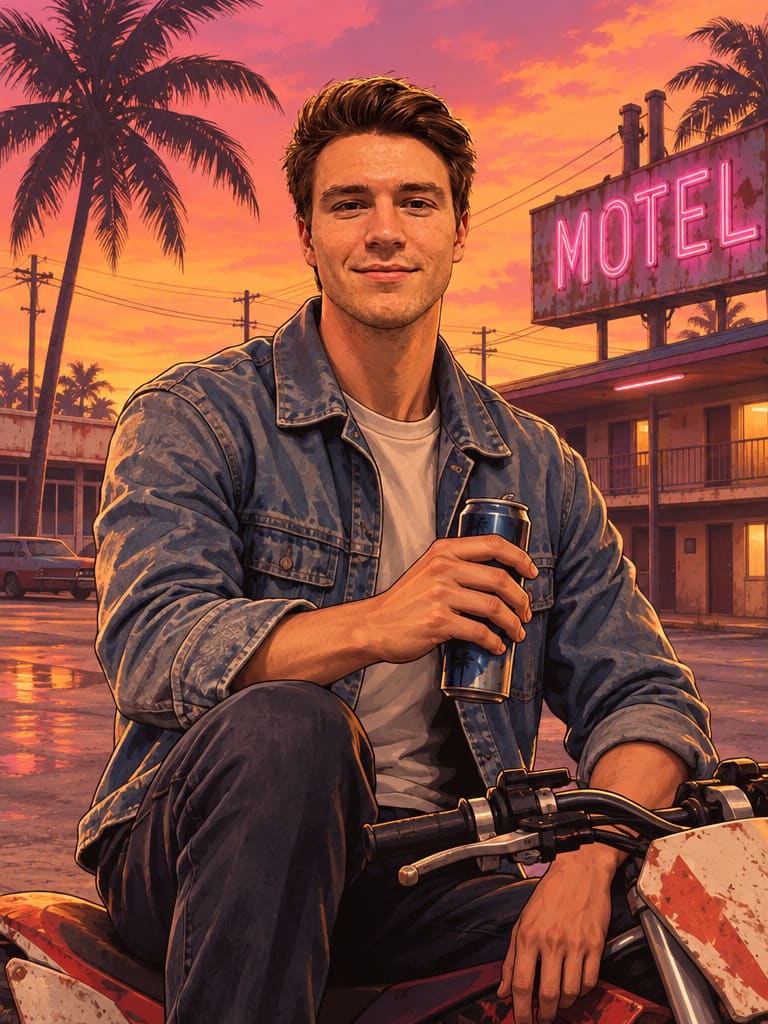
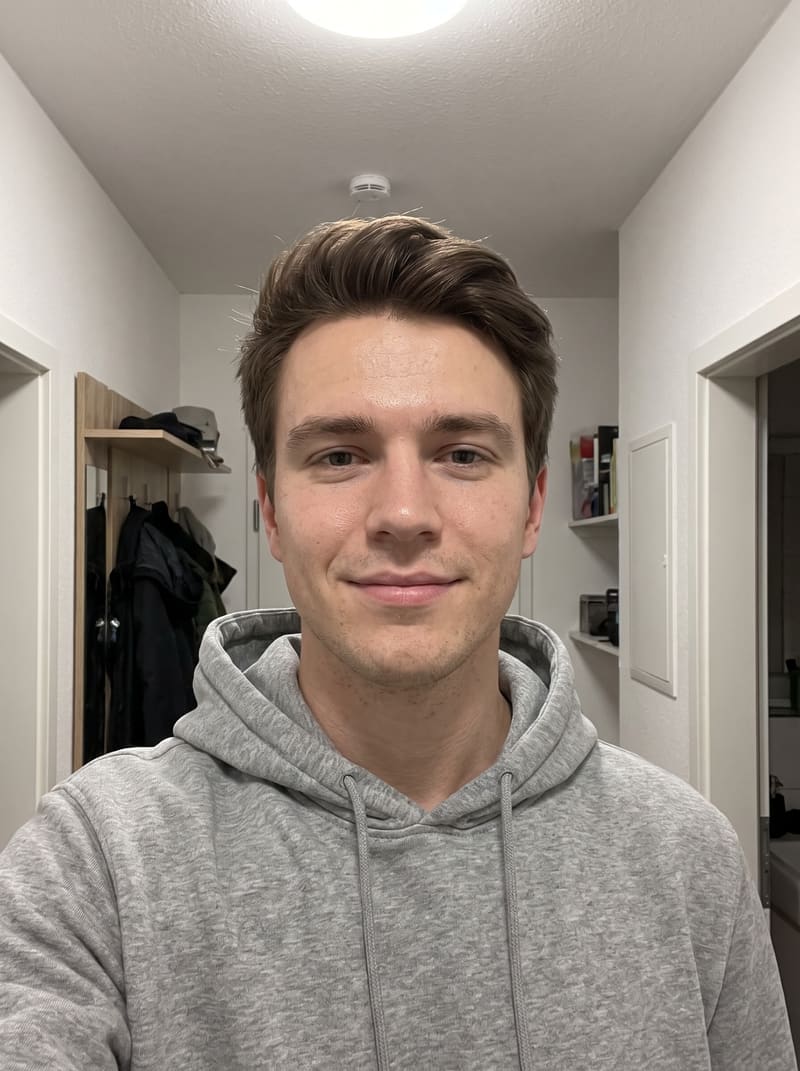
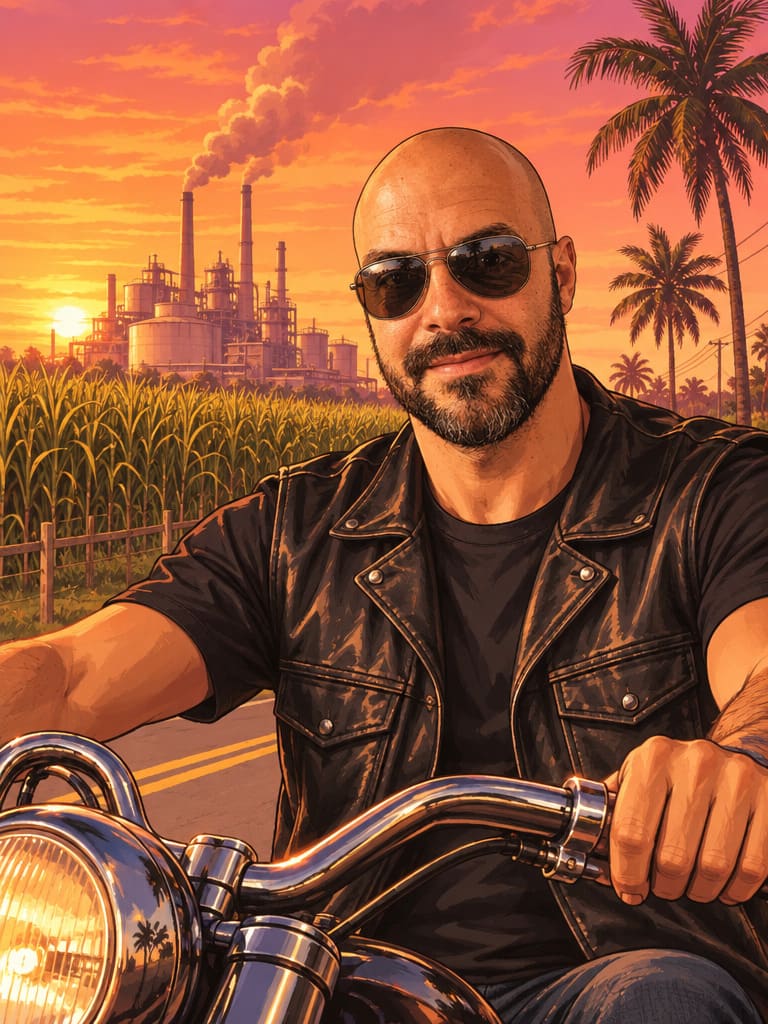
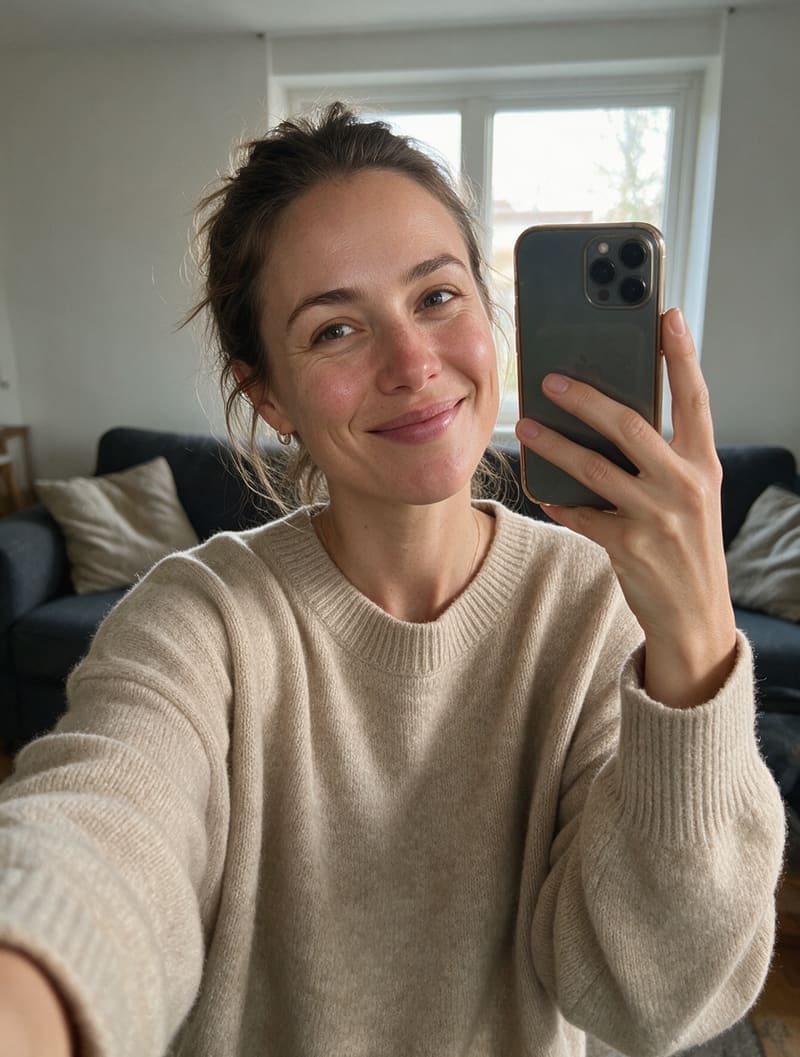
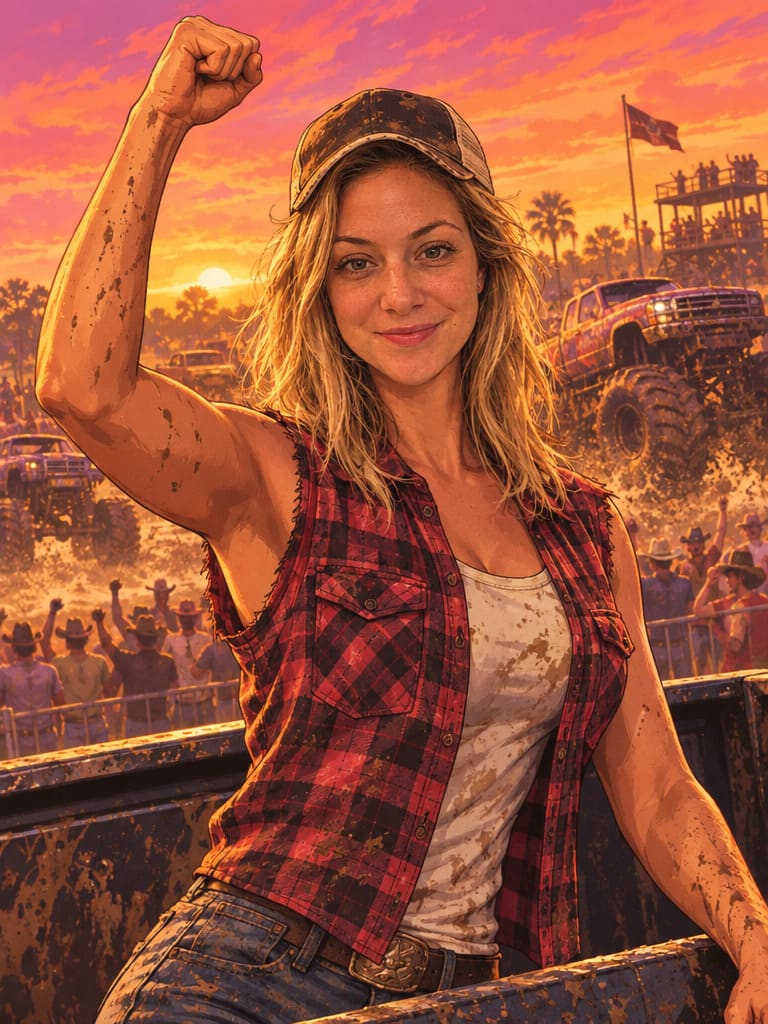
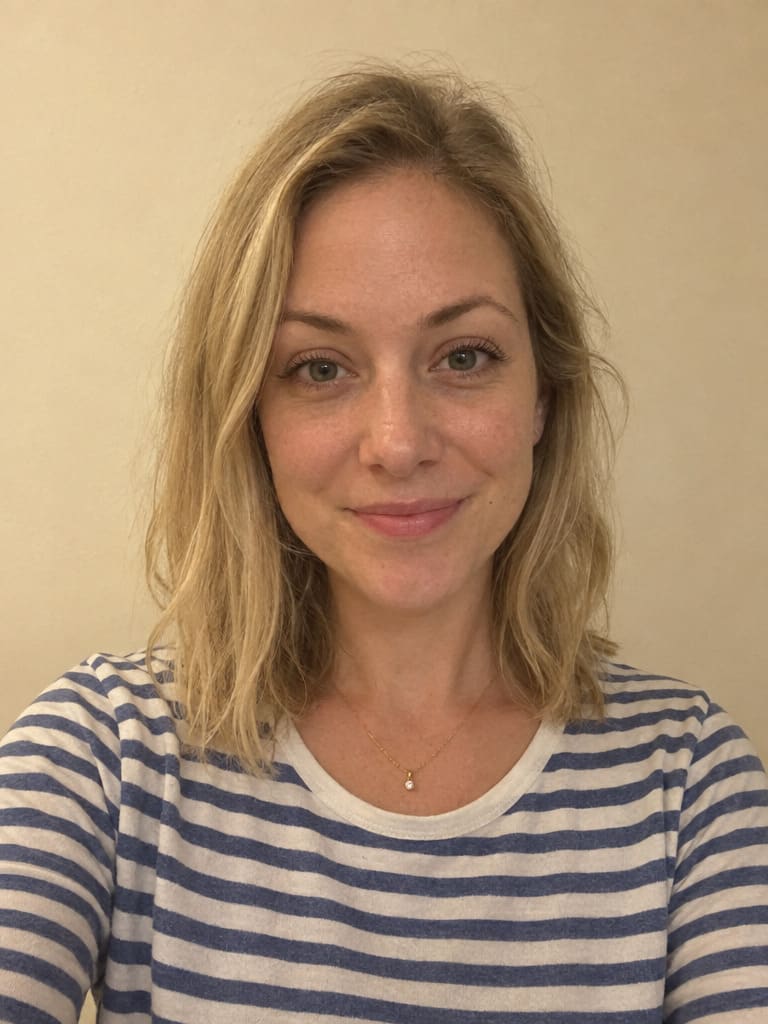
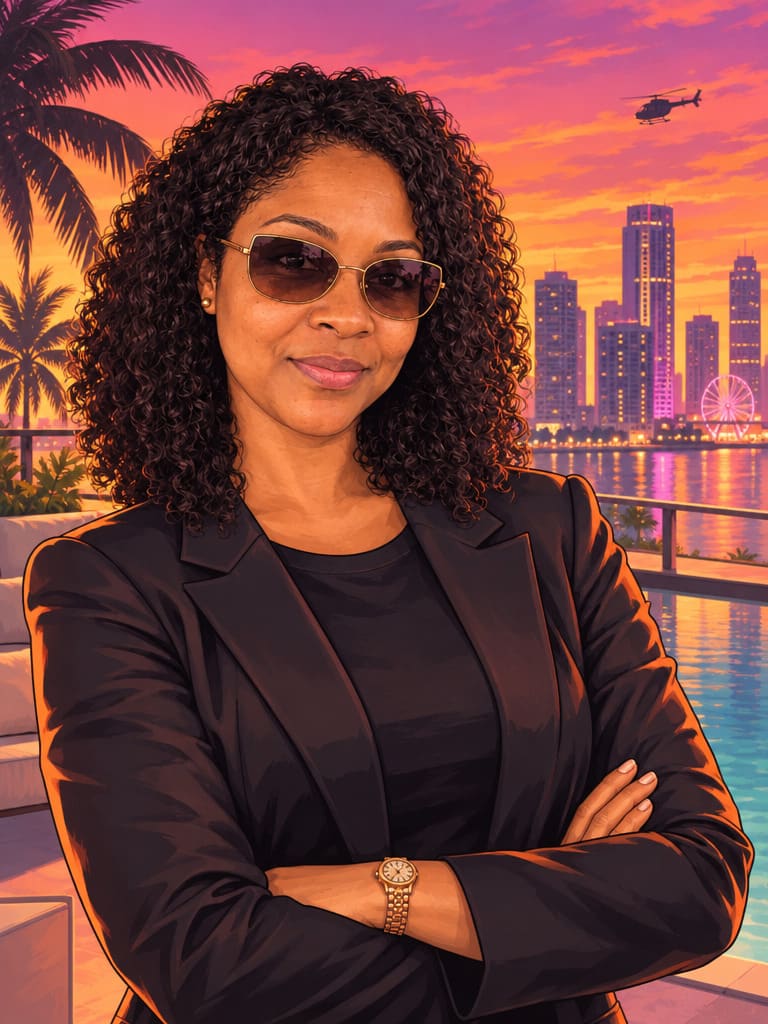
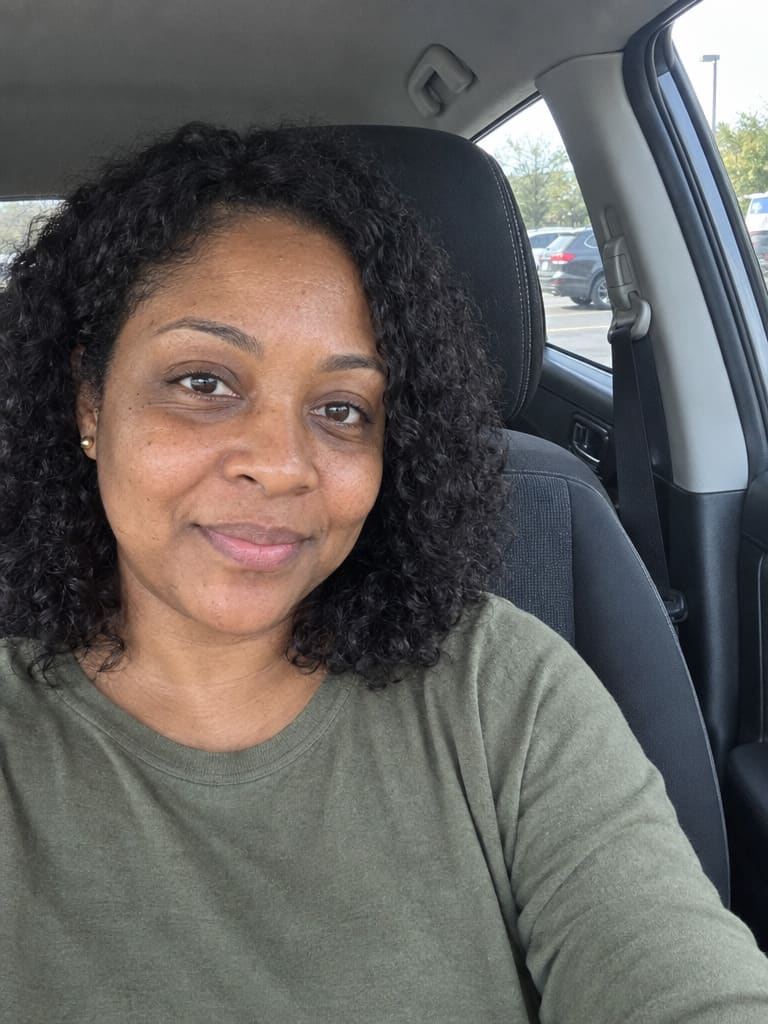
Three steps, about half a minute – no drawing skills needed.
A clear, front-facing photo works best – good light, face fully visible. For Partners in crime, add one photo of each person.
Ocean Beach, a speedboat, a Grassrivers airboat, a mugshot – or keep your own scene. Add your own twist like an outfit or a prop.
Your GTA 6 portrait is ready in about half a minute. Retry for a fresh take or try another scene.
Upload a selfie, pick one of the scenes and press Create GTA art. The AI redraws your photo as painted GTA 6 loading-screen art and places you in the scene you chose – or keeps your own background if you pick Your own scene. You can add a twist, like an outfit or a prop, in the field under the scenes.
No. Photolaria is an independent AI photo editor and is not affiliated with, endorsed or sponsored by Rockstar Games or Take-Two Interactive. The filter creates original fan-style illustrations inspired by the look of the game's artwork. Grand Theft Auto and GTA are trademarks of Take-Two Interactive Software, Inc.
In Leonida, the game's take on Florida: modern-day Vice City plus the Leonida Keys, the Grassrivers wetlands, Port Gellhorn, Ambrosia and Mount Kalaga National Park. Every scene here is inspired by one of those places or by a moment from the trailers.
Every scene asks the AI to keep your face, hair, skin tone, facial hair and glasses recognizable, with smooth, flattering painted skin. A clear, front-facing photo in even light gives the closest likeness; if a result misses, Retry on the picture gives you a fresh take.
Yes – pick Your own scene. The AI keeps everything in your photo where it is – the place, every person, pets and cars – and only redraws it in the GTA 6 style. It works for group photos too.
Yes – pick Partners in crime and upload one photo of each person. The AI places you both back to back in one scene.
The examples on this page were made with GPT Image 2.6, which is available on a monthly plan. Without a plan, the filter starts on GPT Image 2.5, OpenAI's fast model with a very similar look. You can switch to any other model in the list; each shows its credit cost on the button before you start.
You can try it with bonus credits, which are subject to availability and may change at any time. Each picture costs a few credits, shown on the button before you generate. For more pictures, see pricing.
Yes. Your uploads and results are visible only to you, on every plan. You can delete single pictures, or use "Delete my data" in the Bin tab to remove all your images and history. Guest photos expire automatically 7 days after creation.
Grand Theft Auto and GTA are trademarks of Take-Two Interactive Software, Inc. Photolaria is an independent AI photo editor and is not affiliated with, endorsed or sponsored by Rockstar Games or Take-Two.