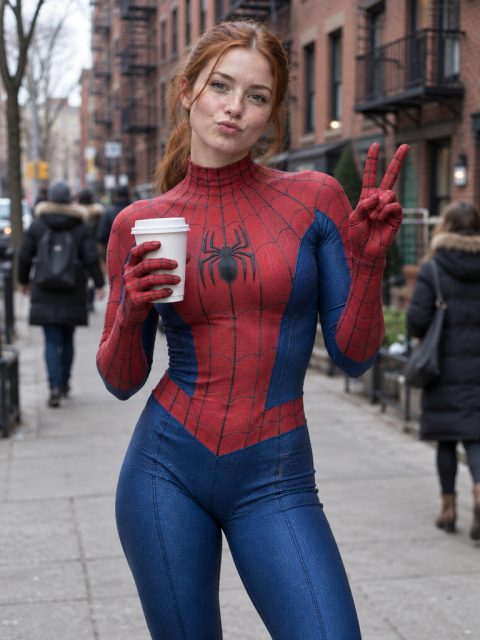
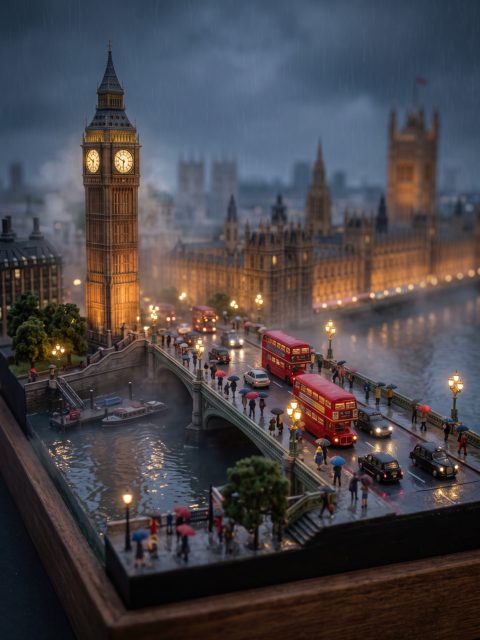
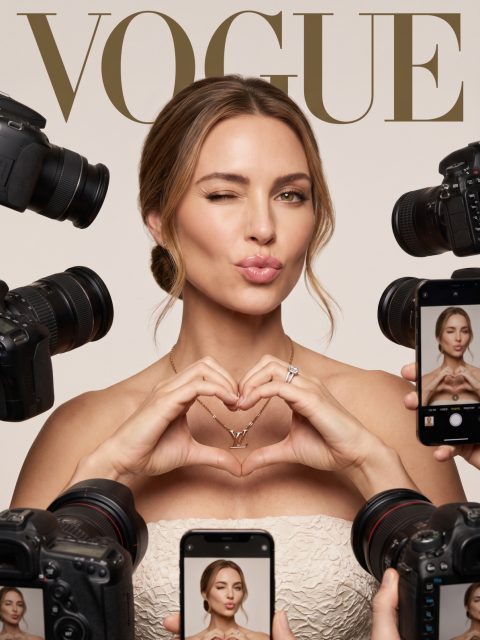
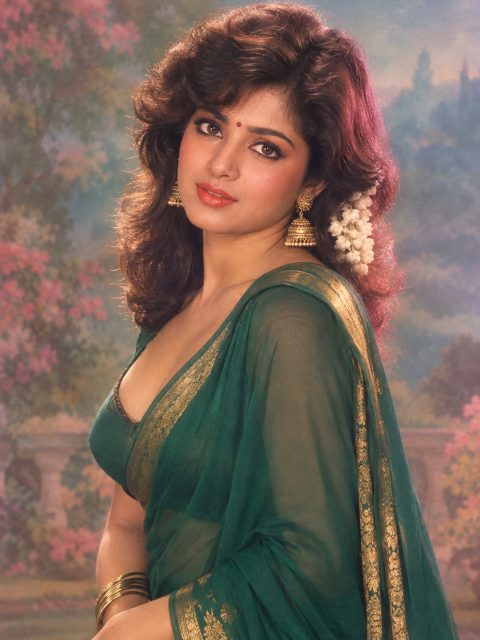
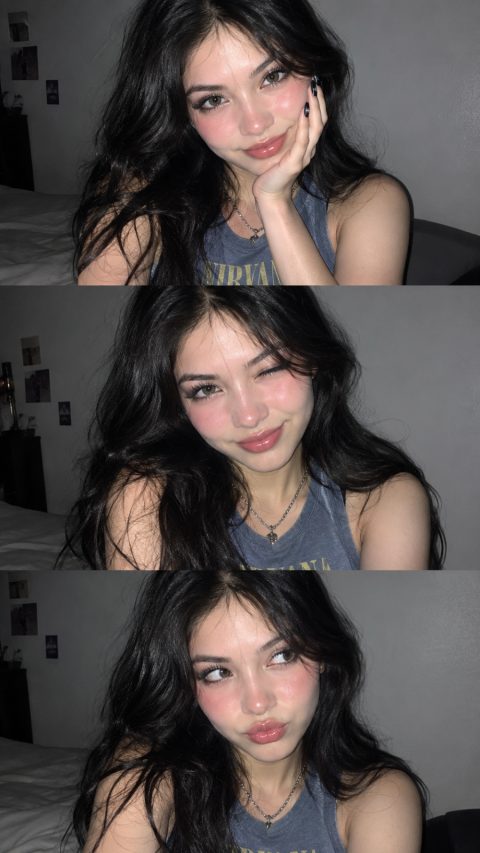
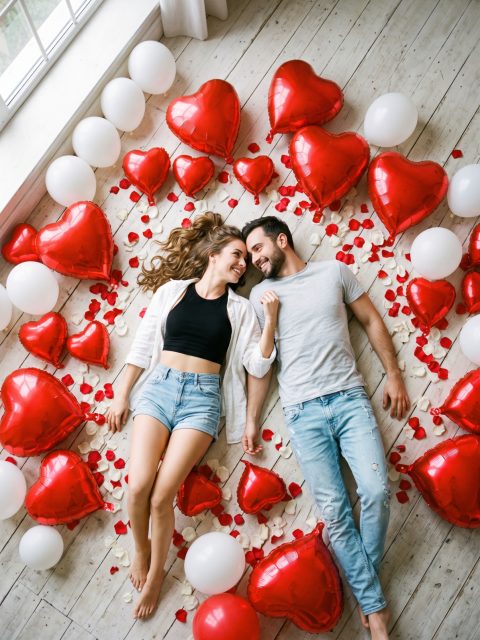
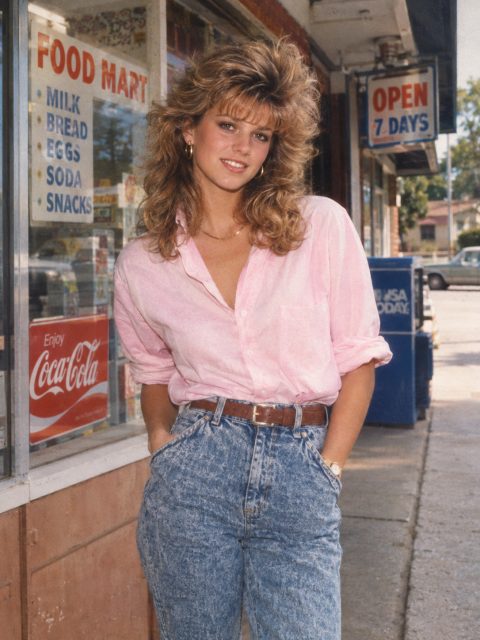
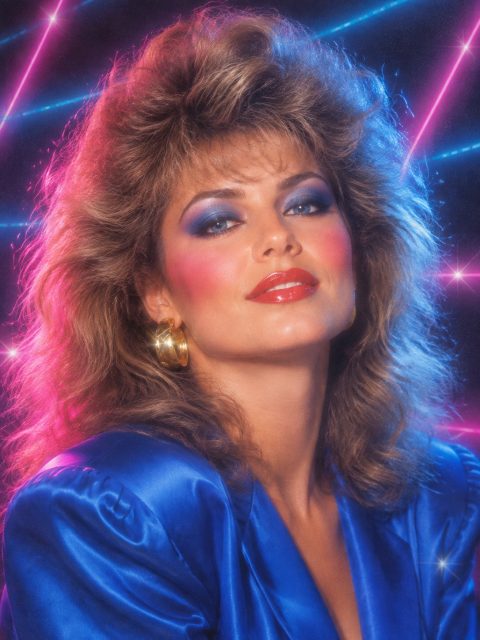
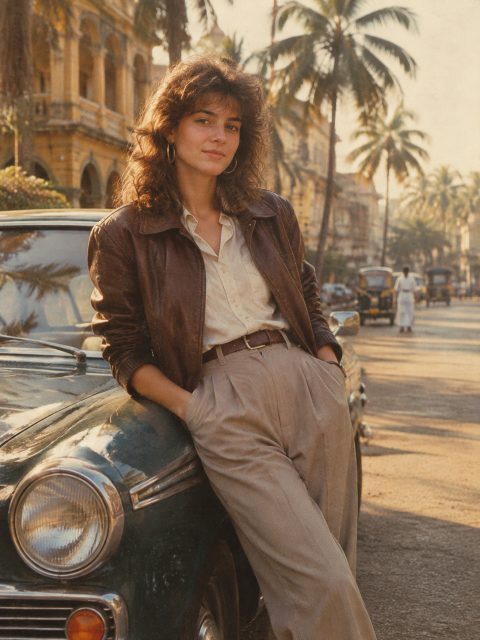
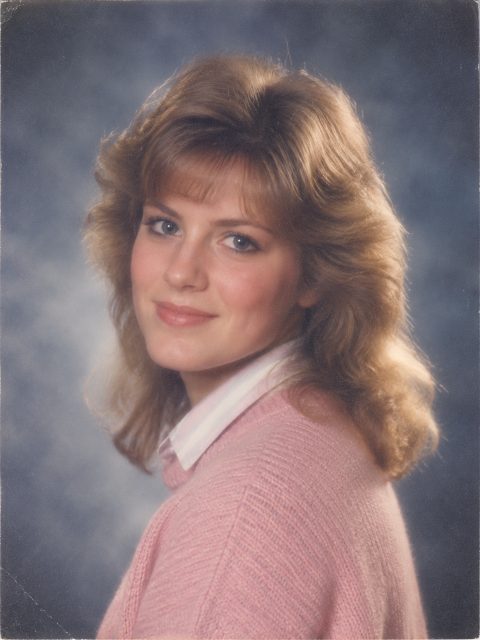
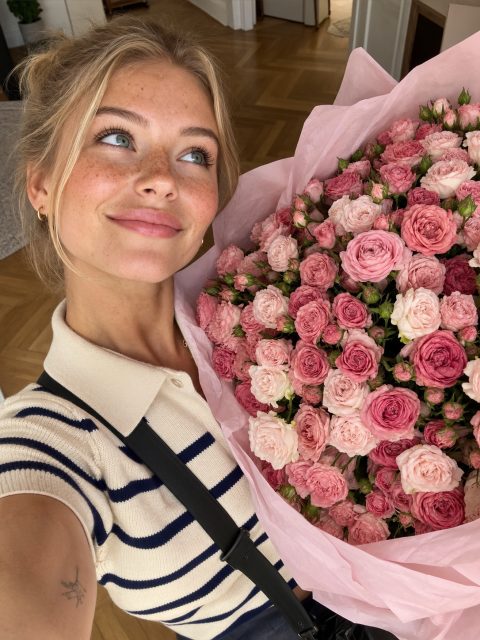
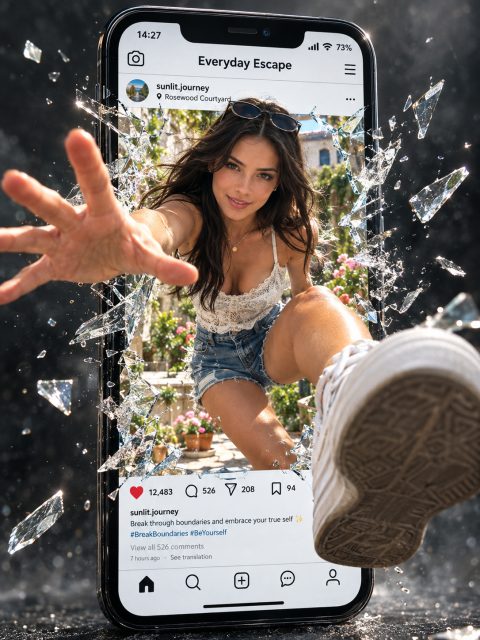
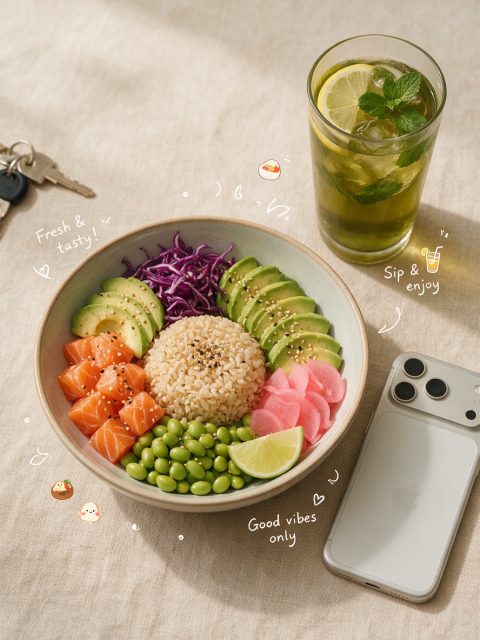
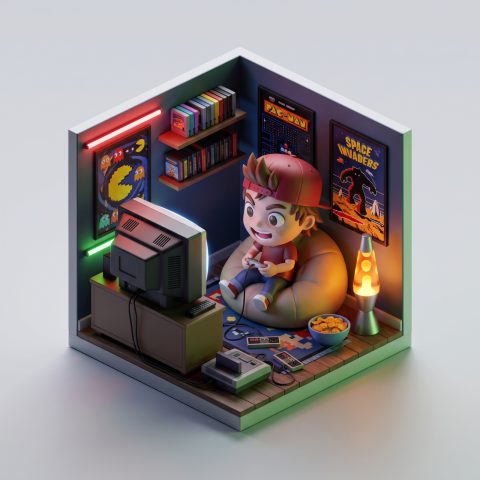
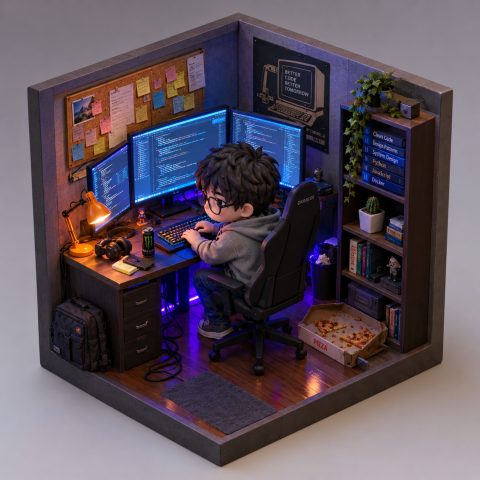
An AI image generator creates pictures from a plain text description – type what you want to see and get an image in seconds. Here are six kinds of images people generate most often, each with the exact prompt that made it.
Photorealistic portraits & scenes
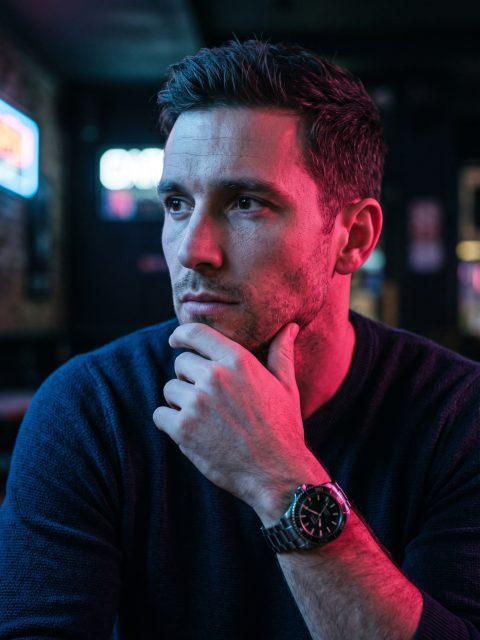
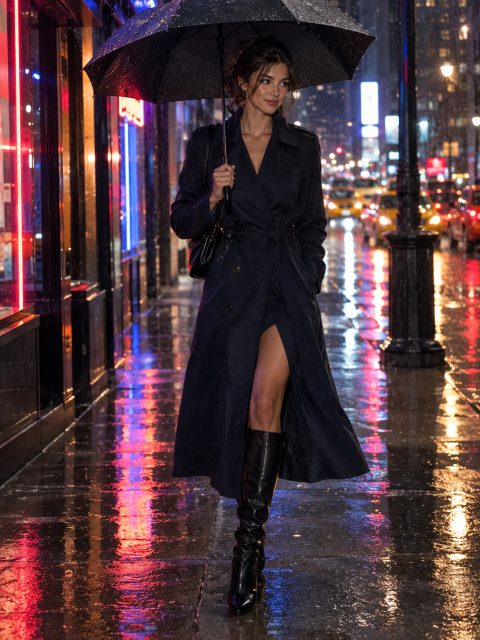
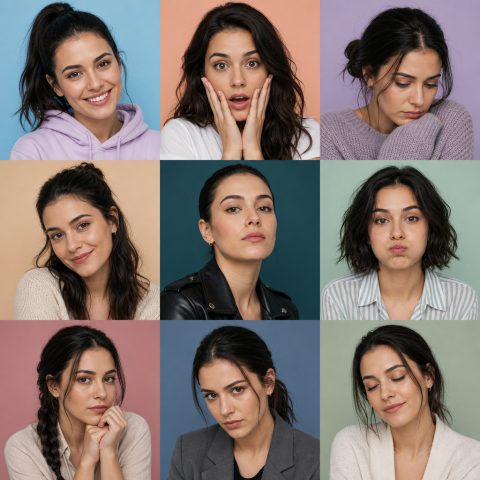
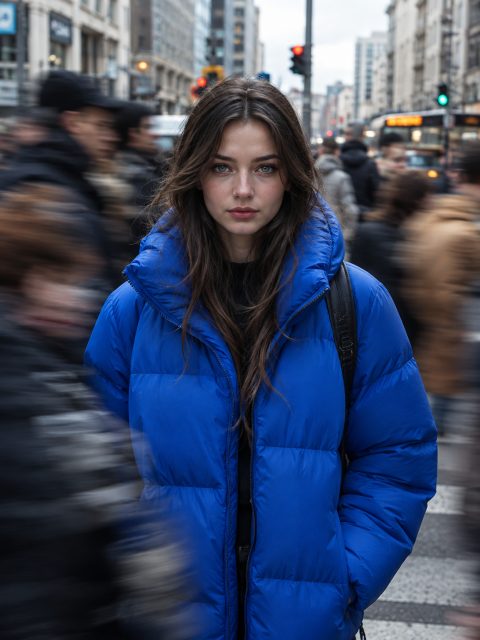
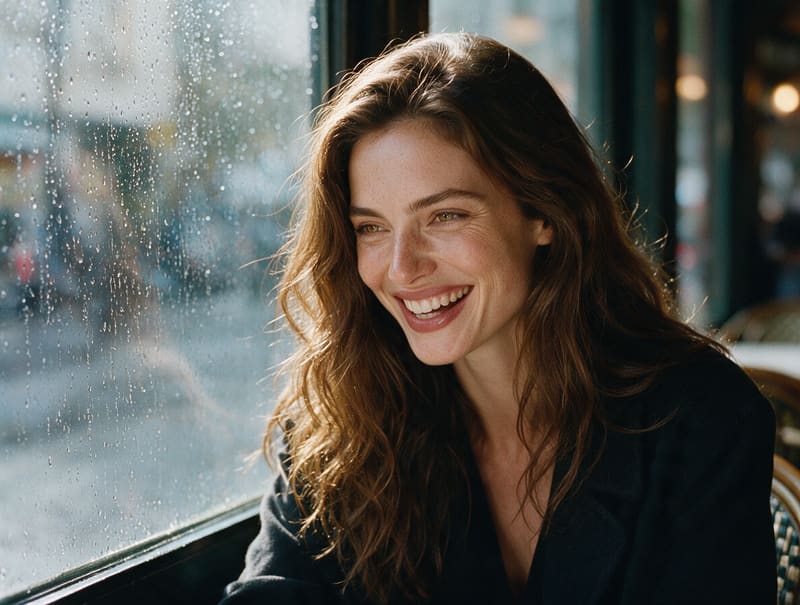
Lifelike people, places, and moments that never existed – candid portraits, street scenes, and landscapes with believable light and detail.
Prompt: “Candid portrait of a striking woman in her late 20s with high cheekbones, full lips and long wavy chestnut hair, warm hazel eyes, laughing softly with her chin slightly down, sitting by a rain-covered cafe window, soft window light on one side of her face, a few flyaway hairs, natural skin with light freckles, shot on 35mm film with subtle grain”
Product & brand visuals
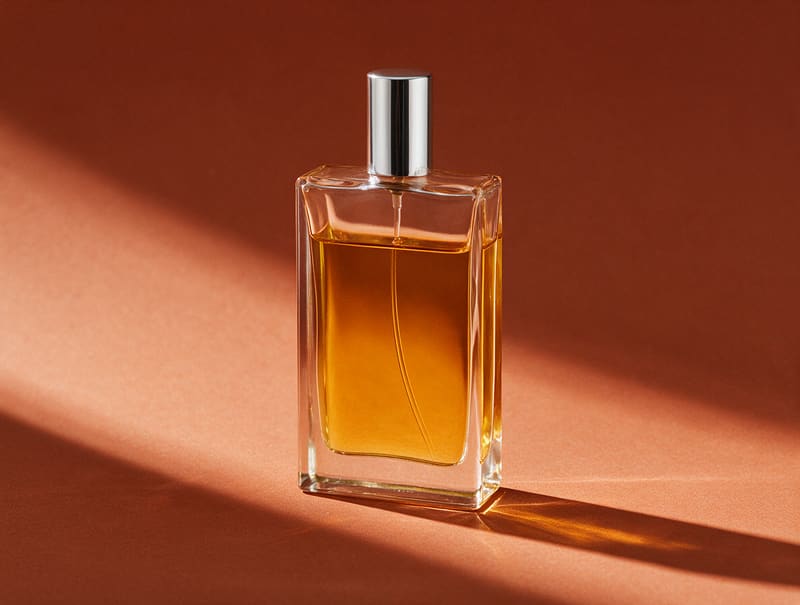
Studio-quality commercial imagery from a text prompt – ad concepts, campaign scenes, and brand visuals for stores and social media. Test dozens of looks before you book a single photoshoot.
Prompt: “Product photo of a minimalist rectangular glass perfume bottle filled three quarters with rich golden amber liquid, a clear horizontal fill line near the shoulder, thin silver cap, standing on a seamless terracotta backdrop, hard direct light casting one sharp diagonal shadow, high contrast, clean modern advertising style”
Illustration & art styles
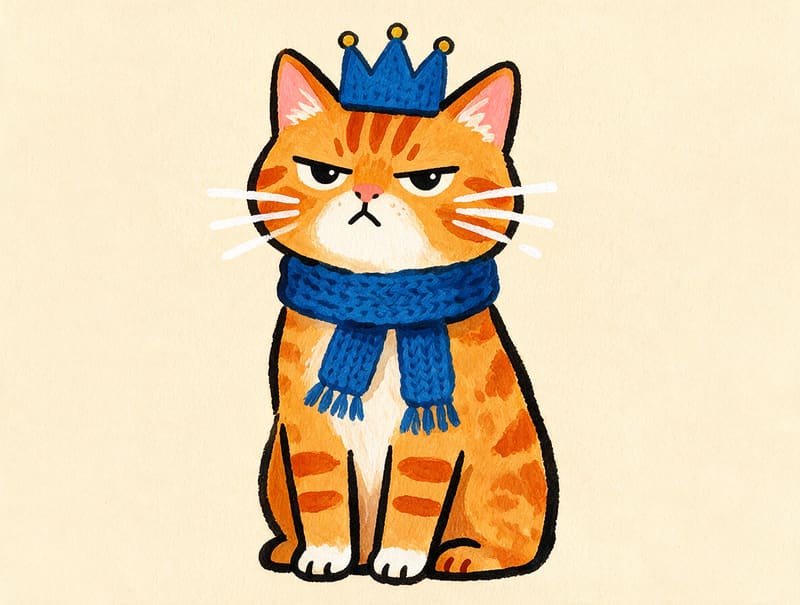
Any idea, in any style – watercolor, gouache, flat illustration, anime, or 3D render. Name the style in your prompt and the generator follows it.
Prompt: “Gouache portrait illustration of a grumpy ginger tabby cat sitting upright like royalty, wearing a tiny knitted blue scarf, bold flat shapes with thick confident outlines, whiskers as a few thick white strokes, soft grainy paper texture, warm cream background, modern children's book style”
Social media & blog graphics
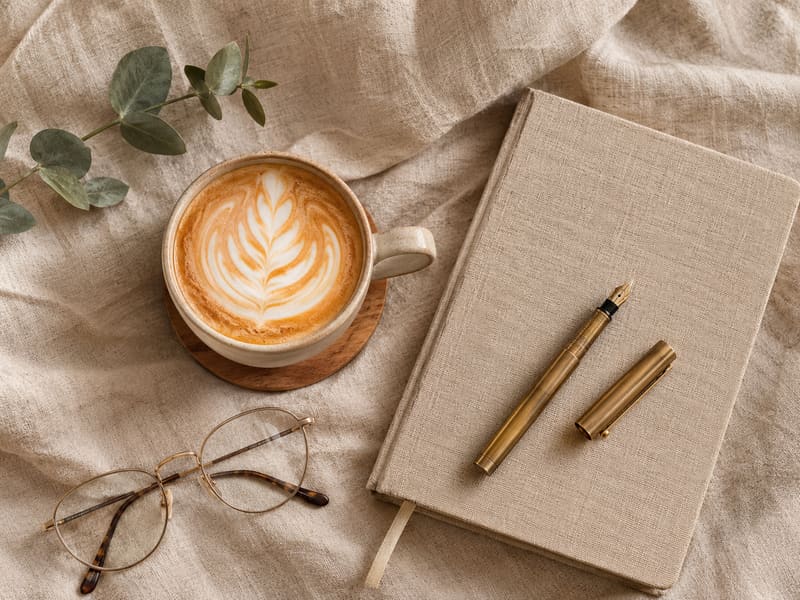
Fresh visuals for every post – article covers, newsletter headers, and social imagery in any mood you describe, instead of the same stock photos everyone uses.
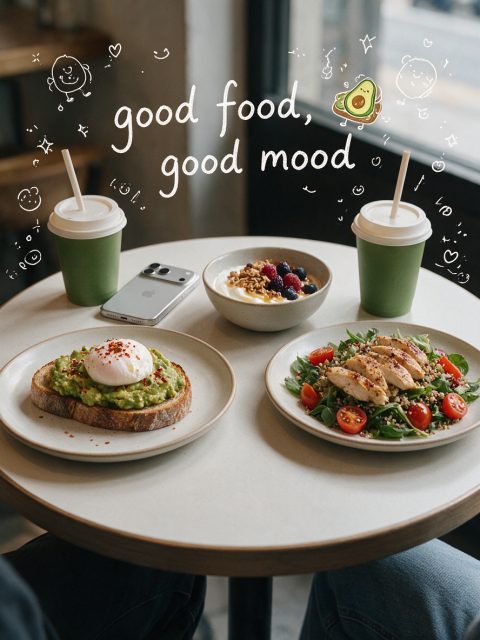
Prompt: “Overhead flat lay photo of a cozy content creator workspace on warm beige linen fabric – a cup of coffee with rosetta latte art, a closed linen-covered notebook, a brass fountain pen, reading glasses, a small eucalyptus sprig, soft diffused morning light, styled lifestyle blog aesthetic”
Avatars & profile pictures
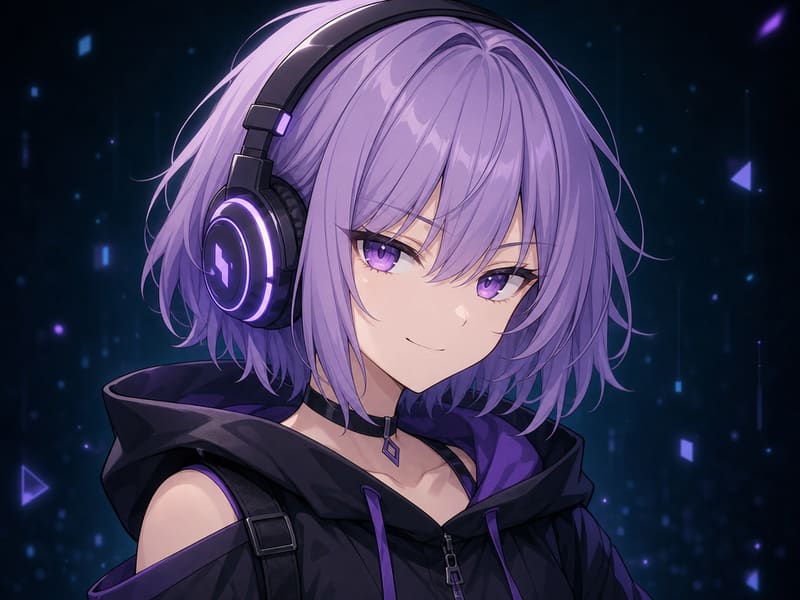
Stand-out avatars for gaming, streaming, and social profiles – neon mascots, anime characters, and stylized portraits, ready for your profile in seconds.
Prompt: “Anime style avatar portrait of a girl with short lavender hair and violet eyes, wearing oversized headphones with a soft glow, slight confident smirk, dark teal background with faint holographic particles, clean cel shading, centered bust composition, no text”
Fantasy & concept art
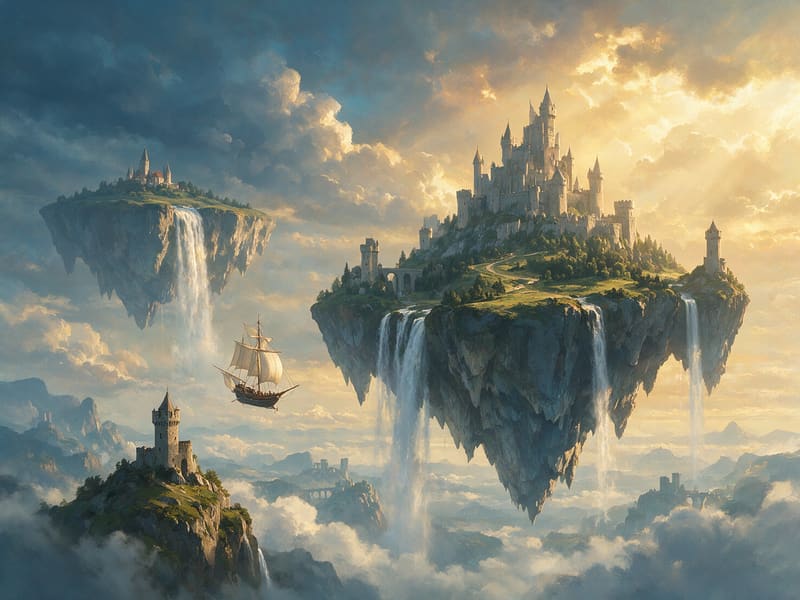
Worlds for games, stories, and D&D campaigns – epic landscapes, castles, and creatures at concept-art quality from a single prompt.
Prompt: “Epic fantasy concept art of massive floating islands in the sky, waterfalls pouring off their edges into clouds below, an ancient stone castle on the largest island, small airship with sails approaching in the distance, dramatic golden evening light breaking through clouds, painterly digital art style, sense of vast scale”
How it works
How to generate an image with AI
Generating images with AI takes three steps – no design skills, nothing to install, no tutorials.
Step 1
Describe what you want
Type a prompt: subject, style, lighting, and mood. No prompt-engineering skills needed – plain language works, and the Prompts tab has ready-made prompts to start from.
Step 2
Pick a model and aspect ratio
Choose one of ten AI models, then the shape of your image: square 1:1, portrait 3:4, landscape 4:3, widescreen 16:9, or vertical 9:16.
Step 3
Generate, refine, download
Get your image in seconds. Not perfect yet? Adjust the prompt and rerun until you're happy with it, then download the result.
Need to edit an existing photo instead? Open the AI photo editor – upload your image and describe the change.
Benefits
Why generate images with Photolaria
No skills needed
Plain-language prompts are enough – describe what you want in your own words, or start from a ready-made prompt in the Prompts tab.
Results in seconds
From prompt to picture in seconds – describe, generate, tweak, and keep going.
Nine models in one place
Compare ten AI models in one place – including GPT Image 2.5, Nano Banana Pro and Flux 3 – and pick the best one for each image.
Free to start
Bonus credits as a guest, and more with a free account – no trial that suddenly expires and no visible watermark.
Made for sellers & creators
Product scenes, ad visuals, and campaign visuals without a photographer – and commercial use rights are included for everyone, on every plan.
Works in your browser
Nothing to install and nothing to configure – generate on desktop, tablet, or phone.
FAQ
AI image generator – frequently asked questions
What is the best AI image generator?
No single model wins at everything. Nano Banana Pro, GPT Image 2.5, GPT Image 2, Flux 3 and Seedream 5.0 Pro each have different strengths in realism, prompt accuracy, text and style, and results depend on the image you want. Photolaria lets you compare them in one place and pick a model per image.
Is there a free AI image generator?
Yes – Photolaria currently offers bonus credits, as a guest courtesy and a larger allowance with a free account, with no expiring trial and no visible Photolaria watermark, spendable on every resolution and every model except Nano Banana 2.1, Seedream 5.0 Pro, Seedream 5.0 Flash and Flux 3, which need a plan. Bonus credits are a temporary promotion, and free generation remains subject to fair-use and abuse protections. For more volume, see pricing.
How do I generate images from a text prompt?
Type a prompt describing the image – subject, style, lighting, composition – pick a model and generate. With a free account, "Use image" on a result opens the AI photo editor with that image ready for your next change (on mobile, tap the image first, then "Use image"). "Use prompt" loads the exact prompt that created it so you can tweak and rerun it in the generator. Plain language is enough – no prompt-engineering experience is needed, and the Prompts tab has ready-made prompts to start from.
Which AI models power the generator?
Ten models are available for generation: Nano Banana, Nano Banana 2, Nano Banana 2.1, Nano Banana 2 Lite, Nano Banana Pro, Seedream 5.0 Pro, Seedream 5.0 Flash, Flux 3, GPT Image 2 and GPT Image 2.5 – you choose one per image. Nano Banana 2 Lite prioritizes speed for drafts, while the other models offer different balances of detail, prompt accuracy and realism. Every model is available on every plan – each has its own credit cost, shown on the button before you generate.
What is the Nano Banana AI image generator?
Nano Banana is Google's image generation model family: Nano Banana, Nano Banana 2, Nano Banana 2.1, Nano Banana 2 Lite and Nano Banana Pro. Nano Banana and Nano Banana 2 are everyday models; Nano Banana 2.1, the newest, follows prompts more closely and keeps subjects consistent across edits; Nano Banana 2 Lite is the speed-focused draft option; Nano Banana Pro offers stronger fine detail and text rendering. You can run all five in Photolaria – pick one per image.
Can I upload an image to the AI image generator?
The generator itself is text-to-image only – it creates new images from a prompt, with no upload step. To work from your own photo, use the AI photo editor: upload up to 6 reference images per edit and describe the change or the new scene to build around them. The tools share your account and credit balance and offer many of the same models.
What's the difference between an AI image generator and an AI photo editor?
A generator creates a brand-new image from a text prompt; an editor changes a photo you already have – removing objects, swapping backgrounds or enhancing quality – while aiming to preserve parts you did not ask to change. Photolaria includes both: generate new images here, or open the AI photo editor to transform your existing photos.